
Google Reviews in Spanish: How to Ask for Them, Answer Them and Read Them
2026-10-26 · by Lin Zeri
A customer you served last week sits down at her kitchen table and opens her phone. She liked the work. She wants to say so. But when the review box opens, she stops. Should she write it in English, which takes effort, or in Spanish, which comes naturally?
That moment can decide whether the review gets written at all. This guide covers how to ask a Spanish speaking customer for a review in a way Google allows, how to reply, and how to read a review that is not in English.
Key Takeaways
- Ask the way you would ask anyone: with the review link or QR code Google gives you, sent through a channel the customer already uses, such as WhatsApp. Say they can write in whichever language they prefer.
- The rules do not change by language. Google prohibits offering payment, discounts or free goods for reviews, and prohibits asking only the customers you expect to be happy.
- Replies matter: in BrightLocal's 2026 survey, 80% of US consumers said they are more likely to use a business that replies to all of its reviews (BrightLocal, 2026, via PinMeTo, accessed Oct. 2026). Keep each reply short, polite and free of offers.
- Which language a reader sees a review in is a setting on the reader's side. You cannot control it, so write replies that still make sense if someone reads them in another language.
Why the Language of the Review Matters to You
The Census Bureau reported that 78.3% of people in the US age 5 and older spoke only English at home in 2018 to 2022, and that among those who spoke another language, 61.1% spoke Spanish (U.S. Census Bureau, 2023, accessed Oct. 2026). Put simply, about one in five people speak another language at home, and Spanish is the most common of them. The same release found that 61.0% of Spanish speakers spoke English "very well." That is national data, not a count for your city, and it says nothing about what reviews your customers write.
What it suggests, as a reasonable inference rather than a measured fact, is that a customer can handle English at work and still prefer Spanish for something personal, like telling others how a business treated her. CSA Research surveyed consumers in 29 countries in 2020 and found that 76% of online shoppers prefer to buy products with information in their native language (CSA Research, 2020, accessed Oct. 2026). That study is global, old and about shopping, so it is a reason to make writing in Spanish easy, nothing more.
We cover why a review in the customer's language builds trust in how immigrant communities choose a local business. This article stays on the mechanics.
One honest limit: no source we can verify says how many Google reviews are written in Spanish, or that reviews in Spanish raise your ranking or your sales. Build your plan on the simpler fact that more customers write a review when writing one is easy.
How to Ask Spanish Speaking Customers for a Review
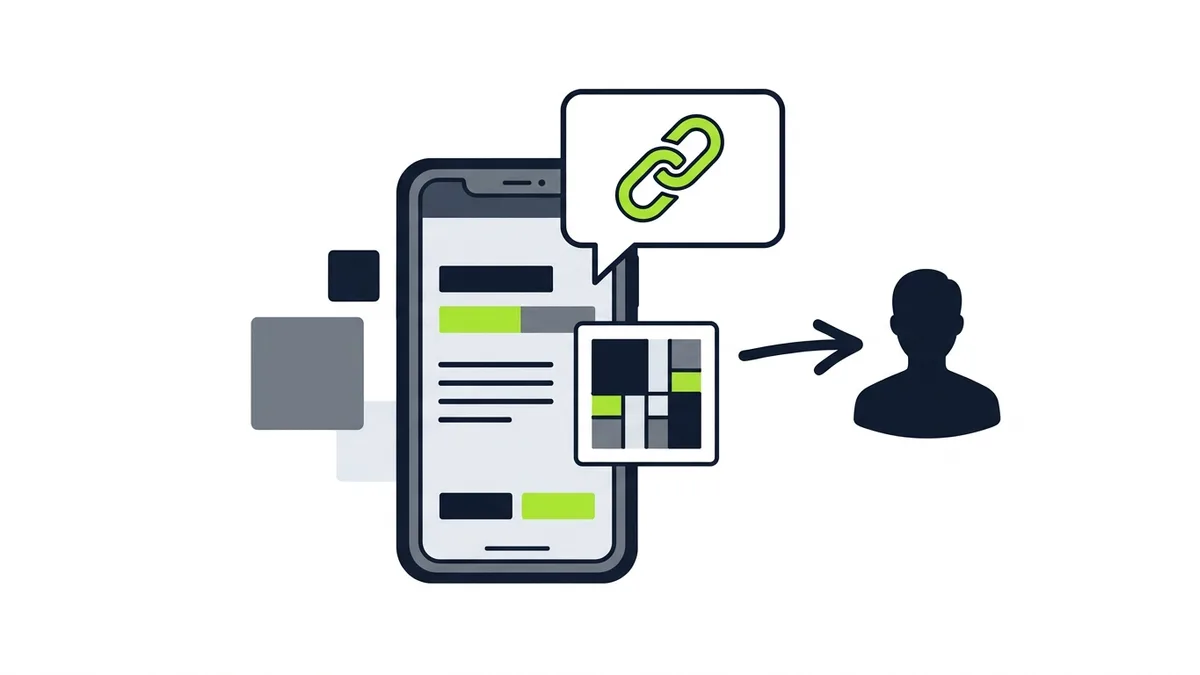
Google's help page for requesting reviews tells owners they can ask with a link or a QR code. The page that explains how to create them says to go to your Business Profile, choose Read Reviews, then Get more reviews, and use the share icon. It also notes that reviews QR codes can currently be generated only on a computer browser, not on a phone (Google, "Create a Google link or QR code to request reviews", Business Profile Help, accessed Oct. 2026). Menu labels change, so check the current page before you follow the steps.
The same page suggests where to share it: on receipts, in thank you emails, at the end of a chat, as a printed QR code in your store, or "through email, WhatsApp message, or Facebook post." For many Spanish speaking customers, and for plenty of English speaking ones, WhatsApp is where the conversation with you already lives. A link sent there is one tap away from the review box.
A short message does the job. Write it in the language you use with that customer:
- In Spanish: "Hola, gracias por confiar en nosotros. Si le gustó el servicio, nos ayudaría mucho su opinión en Google. Puede escribirla en español o en inglés, como prefiera. Aquí está el enlace:"
- In English: "Thank you for choosing us. If you were happy with the work, a Google review would help us a lot. You can write it in Spanish or English, whichever you prefer. Here is the link:"
The message promises nothing in return and does not ask for five stars. It invites an honest opinion and removes the language worry. If you do not speak Spanish, ask a bilingual team member to write the message once, and reuse it. The general process for any customer is in our guide on how to get Google reviews for a local business.
What Google Does Not Allow, in Any Language
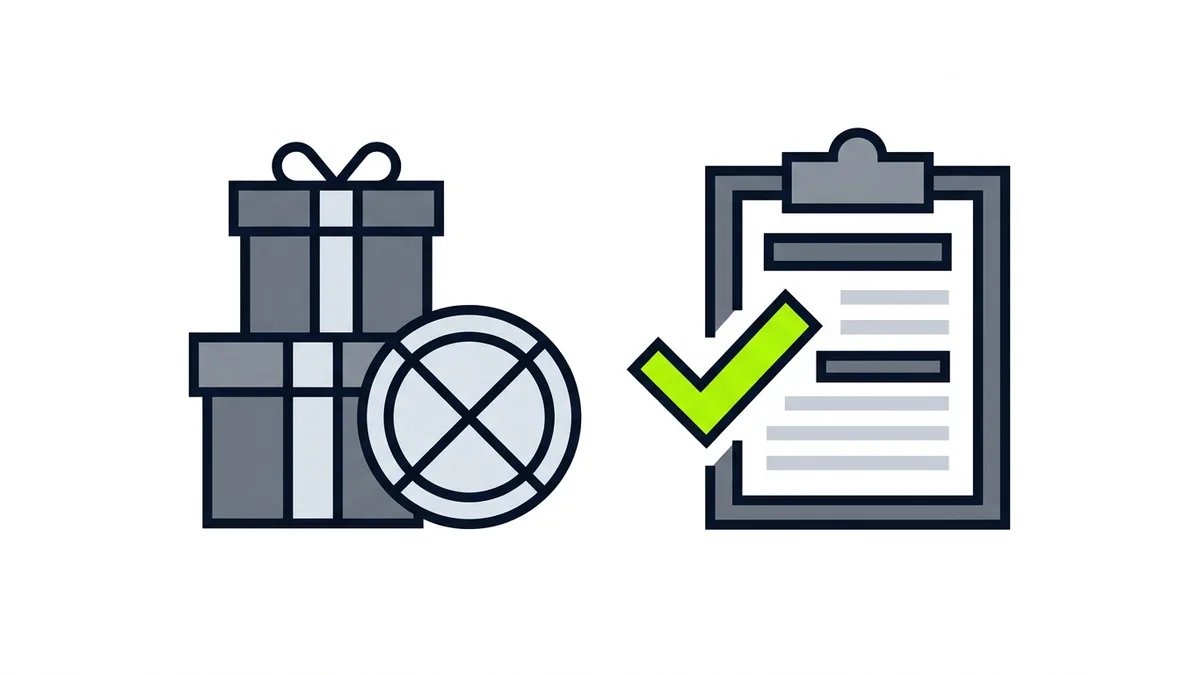
Google's content policy says fake engagement is not allowed and will be removed, and it lists what counts. Merchants may not offer incentives "such as payment, discounts, free goods and/or services" for reviews. They may not discourage negative reviews or "selectively solicit positive reviews from customers." And they should not "require or pressure users to leave ratings or write reviews while on the premises" (Google, "Prohibited & restricted content", Maps User Generated Content Policy Help, accessed Oct. 2026). The help page on asking for reviews calls offers of free or discounted goods in exchange for reviews "strictly prohibited" (Google, Business Profile Help, accessed Oct. 2026).
For the Spanish side of your business, that means:
- No "free coffee for a Spanish review." An incentive tied to a language is still an incentive.
- Do not ask only the customers who spoke Spanish and seemed pleased. Selective asking is on the prohibited list. Ask every customer the same way, in the language that fits.
- Do not stand at the counter and wait for the review to be written. Send the link after the visit and let the customer decide.
- Do not write the review for the customer or suggest what it should say. The policy bars attempts to influence the rating or the contents.
- Do not have employees or anyone with a conflict of interest review for you. The policy lists conflicts of interest, including current or former employment, and content posted from multiple accounts by or at the request of one person.
The policy says Google may take actions that "range from suspending the account privileges to account termination." Treat every rule as firm.
How to Reply to a Review Written in Spanish

Google says that before you can reply to reviews you must verify your business, and that the person who wrote the review is notified when you reply (Google, "Manage customer reviews", Business Profile Help, accessed Oct. 2026). So a reply is not a note to the wall. It reaches the customer directly, and it is public for everyone who reads after her.
Google's guidance on replies asks for the same few things in any language: be professional and polite, keep it short and simple, and avoid using the reply to offer deals or promotions (Google, Business Profile Help, accessed Oct. 2026). For a negative review, never share the reviewer's private information or attack her, and for a complex case, invite her to contact you by phone or email. Our guide to responding to negative Google reviews goes through that in detail.
On the language question, the practical advice is simple, and it is advice, not a platform rule: reply in the language the customer wrote in, when you can do it well. A customer who wrote in Spanish and gets a thoughtful reply in Spanish feels heard. A customer who wrote in Spanish and gets a generic English line may feel the opposite. If nobody on your team writes Spanish well, an English reply that is warm and specific is better than a stiff Spanish reply full of errors.
A few habits keep replies safe and useful:
- Name the specific thing. "Thanks for mentioning how clean we left the garage" tells readers you read it. A pasted template tells them you did not.
- Keep it short. Short replies read well in both languages and survive any translation tool a reader might use.
- Do not paste unchecked machine translation. If you use a tool to help, have a bilingual person check it before it goes public.
How to Read a Review You Did Not Write in English

Google's help page for Maps reviews has a section titled "To read reviews in another language," and its first step is to go to the languages settings of your Google Account (Google, "Add, edit, or delete Google Maps reviews & ratings", Google Maps Help, accessed Oct. 2026). So the language someone reads reviews in is tied to that person's own settings. This article does not claim that Google translates reviews or replies for you, or that it always shows the original, because we could not find an official page that says so. What you can rely on is practical:
- Read what the customer actually wrote. Use your own language settings and, if you need help, a translation tool of your choice, then judge the meaning rather than the exact wording.
- Ask someone who speaks Spanish for anything unclear. Tone and idiom are where tools slip.
- Treat a negative review in Spanish like any other. Google allows content that "describes negative experiences in a respectful manner," and does not allow general commentary or personal rants (Google, "Prohibited & restricted content", Maps User Generated Content Policy Help, accessed Oct. 2026). Language does not change the test.
- Report only what breaks the rules. The report page says not to report a review just because you disagree with it or dislike it, and that Google does not get involved in conflict between businesses and customers. If a flagged review does not qualify for removal, there is a one-time appeal (Google, "Report inappropriate reviews on your Business Profile", Business Profile Help, accessed Oct. 2026).
Reviews are one part of how a Spanish speaking customer checks you out. Our guide to Spanish language Google Ads covers the campaign side, and our SEO service page explains how we approach being found locally. For a market with a large Spanish speaking population, see the Houston page.
Frequently Asked Questions
Can I ask customers to leave Google reviews in Spanish?
Yes. Tell customers they can write in the language they prefer and send the request in that language. Use the review link or QR code from your Business Profile, and ask every customer the same way. Do not offer anything in return, because Google prohibits incentives.
Do I have to reply to a Spanish review in Spanish?
No rule we can point to requires it. As good practice, reply in the language the customer used when you can do it well. If you cannot, a short, warm reply in English is better than an error-filled one in Spanish.
Can I offer a discount for a review in Spanish?
No. Google's content policy prohibits offering incentives such as payment, discounts, free goods or services in exchange for reviews, and the language of the review makes no difference.
How do I read a review written in Spanish?
Google's help page says the language you read reviews in is set in your Google Account. Beyond that, use a translation tool you trust and ask a Spanish speaker to check anything unclear, especially tone.
Can I remove a Spanish review I do not like?
Only if it breaks Google's content policy. Google says not to report a review just because you disagree with it, and that it does not get involved in conflicts between businesses and customers. If the report is not accepted, there is a one-time appeal.
Your Next Move
Reviews in Spanish do not need a special strategy. They need a simple request in the customer's language, a link that works, rules you follow every time and replies that sound like a person. Start with one thing: write the two-line message above in Spanish and English, save it on your phone and send it to your next customer after the job.
Tell me which city you serve and what languages your customers use when they contact you. I'll tell you where your Google profile and reviews are working for them, and where a small change would help most. Free diagnosis, no deadline: send a message on WhatsApp.