
How to Set Up a Google Business Profile for a Service Area Business
2026-09-25 · by Lin Zeri
If you clean homes, fix pipes or mow lawns, your customers never visit your office. You go to them. That creates a problem the moment you set up a Google Business Profile: the form asks for an address, and the address you have is your house, your garage or a P.O. box.
This guide walks you through the setup the way Google describes it. You will decide whether you are a service area business, hide your address if you should, choose your service areas, and avoid the setup mistakes that put a profile at risk.
Key Takeaways
- If you do not serve customers at your business address, Google says to remove that address from your profile.
- A profile can have up to 20 service areas, made of cities, postal codes or other areas you serve.
- Google says a service area should not extend farther than about 2 hours of driving time from where your business is based.
- Virtual offices and P.O. boxes are not acceptable. Use a real base and keep your service area honest.
Are You a Service Area Business or a Storefront?
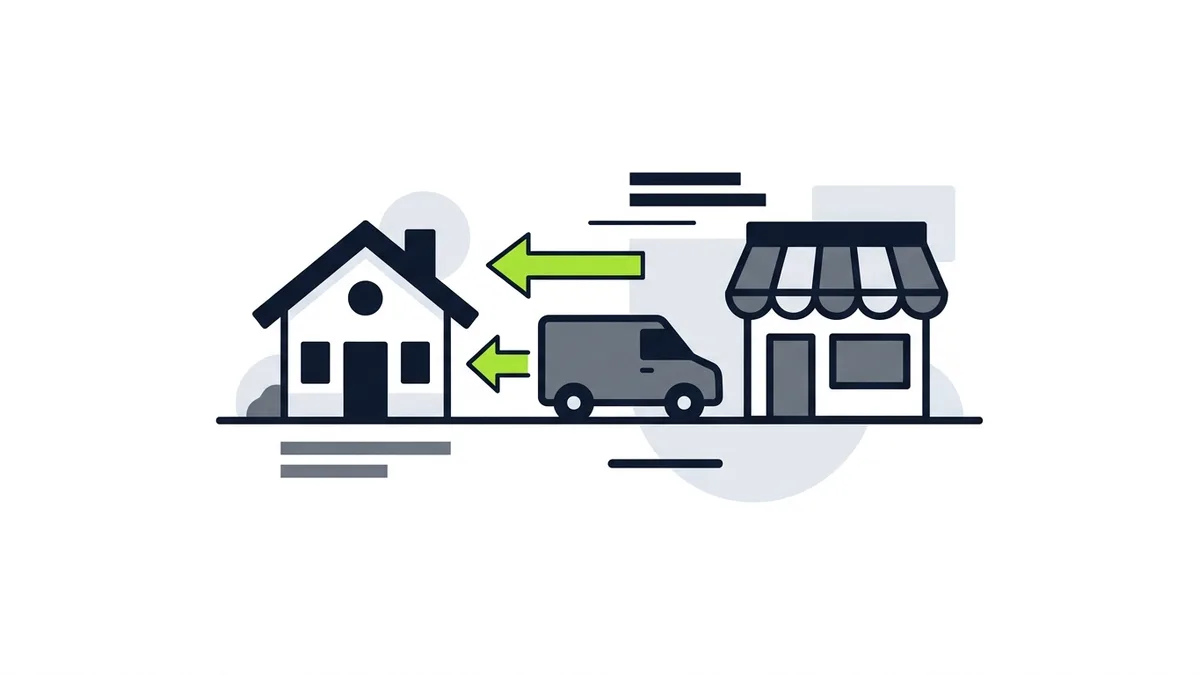
You are a service area business if you travel to your customers and they do not come to you. Think of a plumber, a mobile detailer, a cleaning crew or a landscaper. You are a storefront business if customers walk in during open hours.
Google also describes a middle case. A hybrid business serves customers at its business address and also visits them or delivers to them (Google, "Manage your service areas for service-area & hybrid businesses", Business Profile Help, accessed Oct. 2026). Google's guidelines give auto repair shops as an example, a garage for repairs plus roadside service. Those businesses can show their storefront address and designate a service area on their profile (Google, "Guidelines for representing your business on Google", Business Profile Help, accessed Oct. 2026).
A quick test:
- Customers visit you at a staffed location with set hours: you are a storefront or a hybrid. You can show your address.
- You go to customers and nobody visits you: you are a service area business. Hide the address.
- Both: you are a hybrid. Show the location and add the areas you travel to.
The rest of this guide focuses on the second case, because it is where most setup mistakes happen.
How Do You Hide Your Address on Google?
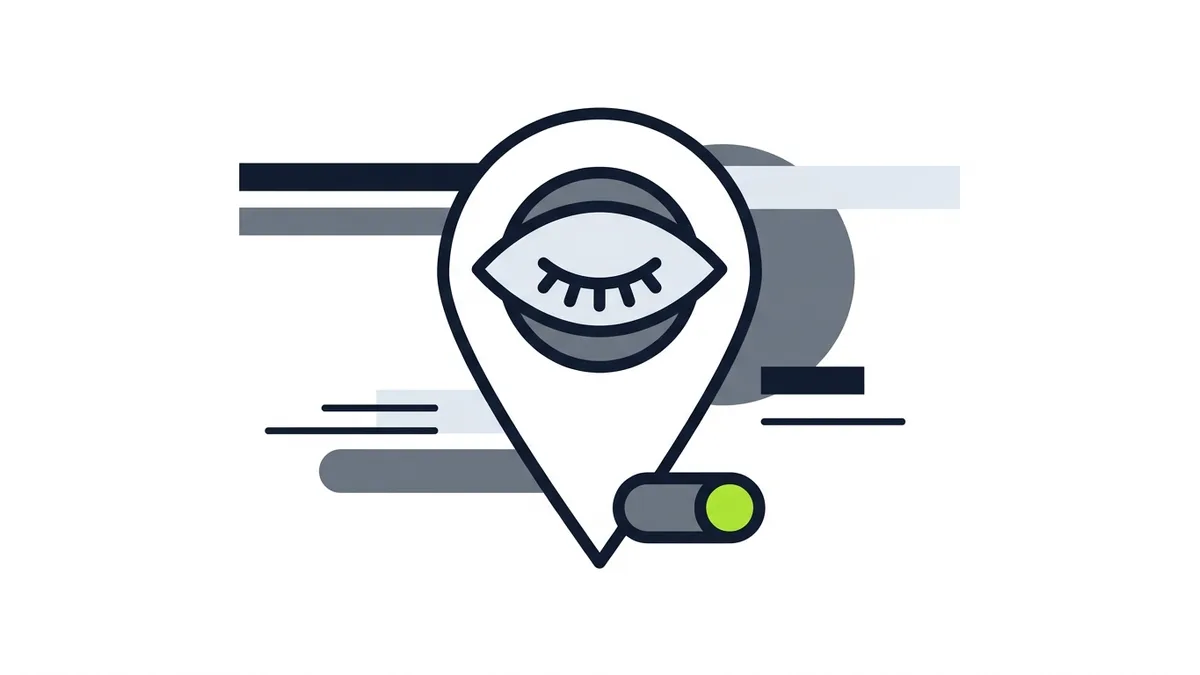
Google's rule is direct: if you are a service area business, you should hide your business address from customers (Google, "Guidelines for representing your business on Google", Business Profile Help, accessed Oct. 2026). The help page on service areas says the same thing from the other side: if you do not serve customers at your business address, remove your address from your Business Profile (Google, "Manage your service areas for service-area & hybrid businesses", Business Profile Help, accessed Oct. 2026).
This matters for two reasons. If you work from home, hiding the address keeps your house off a public listing. And it keeps your profile aligned with what Google expects of a service area business.
So when you set up the profile, say that you do not serve customers at your address, and remove the address from the profile. Menu labels change from time to time, so if the screens look different, check Google's current help page for the exact steps.
Two more points from the guidelines:
- One profile for the base. Google says a service area business should have one profile for the central office or location, with a designated service area. Do not create a profile for each city you work in.
- One page per location. Google also says not to create more than one page for each location of your business, either in a single account or in multiple accounts (Google, Business Profile Help, accessed Oct. 2026).
If you are tempted to add a profile "just to show up" in a nearby town, stop. That is the kind of shortcut the guidelines are written to block.
How Do You Set Your Service Areas?

Your service area tells Google, and customers, where you work. Google says you can set up to 20 service areas based on the cities, postal codes or other areas you serve (Google, "Manage your service areas for service-area & hybrid businesses", Business Profile Help, accessed Oct. 2026).
Here are the steps from that page:
- Sign in to your Business Profile.
- Open Edit profile and choose Location.
- Click the edit option next to Service area.
- Select a suggested area or type in a new one.
- Save your changes.
You can also remove a service area from the same section later, so a mistake is easy to fix.
How far can your service area extend?
Google gives a limit in distance terms, not in cities. A service area shouldn't extend farther than about 2 hours of driving time from where your business is based (Google, "Guidelines for representing your business on Google", Business Profile Help, accessed Oct. 2026).
That is a ceiling, not a target. A practical way to choose your areas:
- List the places you actually take jobs. If you would turn down a call there, leave it out.
- Use the same areas you use everywhere else. Your website, your quotes and your profile should tell the same story.
- Start with the cities and postal codes you serve most often. You can add or remove areas later.
- Stay under the limit of 20. More is not required, and the guidelines do not suggest that adding areas helps.
One honest caution. Google's help pages do not say that listing more areas, or a wider radius, makes your profile show up more often in those places. Treat the service area as a description of your business, not as a lever. If you want to understand what does affect how you appear, read our guide to why your business is not showing on Google Maps.
What Address Can You Use?
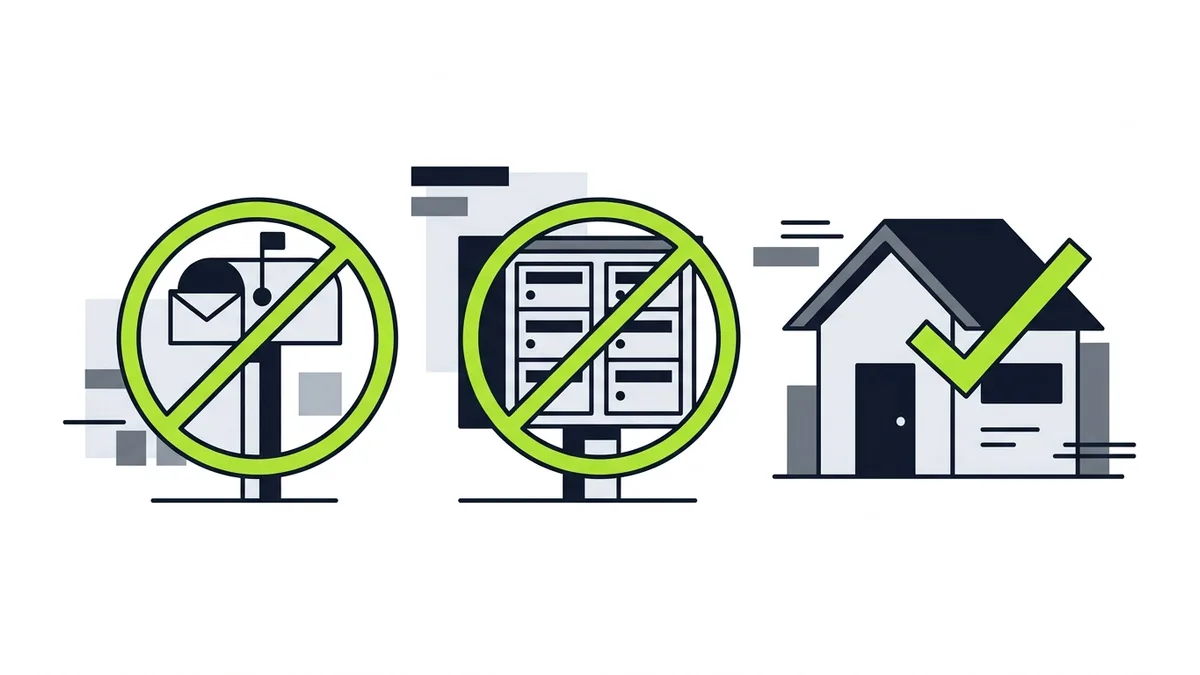
Hiding your address does not mean you can use any address. Google's guidelines rule out several common shortcuts:
- Virtual offices. If your business rents a physical mailing address but does not operate out of that location, Google says that location isn't eligible for a Business Profile.
- P.O. boxes and remote mailboxes. Google says P.O. boxes or mailboxes located at remote locations aren't acceptable.
- Co-working spaces. Businesses can't list an office at a co-working space unless that office maintains clear signage.
All three come from the same page (Google, "Guidelines for representing your business on Google", Business Profile Help, accessed Oct. 2026).
So what do you use? The address where your business is actually based, such as your home office, your shop or your yard. Because you are hiding it, customers will not see it. If you have a real base but no storefront, that is normally the correct choice.
Phone and name rules that trip up service businesses
Service businesses run into two other guideline items:
- Phone number. Google says to use a local phone number instead of a central call center helpline number whenever possible, and that the number must be under the direct control of the business. It also says not to provide phone numbers or URLs that redirect or "refer" users to landing pages.
- Business name. Google says including unnecessary information in your business name isn't permitted, and that it could result in the suspension of your Business Profile. Use the name you use in real life, not a name stuffed with services and cities.
Both rules appear in the same guidelines page linked above.
How Does Verification Work?
Google says you need to verify your business to edit your business info, such as the name or hours, and to interact with customers (Google, "Verify your business", Business Profile Help, accessed Oct. 2026).
Two things are worth knowing before you start:
- You do not choose the method. Google says the verification options depend on your business type, public info, region or business hours, and that Google determines the methods automatically and they can't be changed.
- Do not edit while you wait. If you asked for a code, Google says: "Do not edit your business name, address, or category on your Business Profile."
This page does not say how long verification takes, and neither will we. Follow the steps Google shows you for your business.
What Mistakes Put a Service Area Profile at Risk?
Google says it may suspend or disable Business Profiles that don't follow its guidelines. When that happens, the public can't go to the profile (Google, "Fix suspended or disabled profiles", Business Profile Help, accessed Oct. 2026). Google also says not to create a new Business Profile for the same business, and that appeals can only be submitted once.
Following the rules does not guarantee you will never be flagged, and Google's pages do not promise a ranking either way. What you can do is avoid the mistakes the guidelines name:
- Showing a home address for a business that works only at customers' addresses. Hide it.
- Using a virtual office, P.O. box or remote mailbox. Not acceptable.
- Creating one profile per city. One profile per location is the rule.
- Stretching the service area past about 2 hours of driving time. Keep it honest.
- Adding keywords or cities to the business name. It can lead to suspension.
- Using a call center or redirect number. Use a number the business controls.
- Editing name, address or category while a verification code is pending. Wait.
A plain, accurate profile is easier to defend than a clever one.
What Should You Do After the Profile Is Live?
Setup is the start. Once you are verified, complete the rest of the profile: the categories that describe your core business, your hours, your photos and your reviews. Our Google Business Profile optimization checklist covers these in order, and the complete guide to local SEO for service businesses shows how the profile fits with your website.
Then check that your information matches in every place customers find you. Your service areas, phone number and business name should be the same on your profile, your website and your invoices.
Frequently Asked Questions
Should a service area business hide its address on Google?
Yes. Google says that if you are a service area business, you should hide your business address from customers. If you do not serve customers at your business address, Google says to remove it from your Business Profile.
How many service areas can I add to my Google Business Profile?
Google says you can set up to 20 service areas, based on the cities, postal codes or other areas you serve. Choose the places where you actually take jobs.
How far can my service area extend?
Google says a service area shouldn't extend farther than about 2 hours of driving time from where your business is based. Google's pages do not say that a bigger area makes you appear more often.
Can I use a P.O. box or virtual office as my business address?
No. Google says P.O. boxes or mailboxes located at remote locations aren't acceptable, and that a rented mailing address where you do not operate isn't eligible for a Business Profile.
What is a hybrid business?
Google defines it as a business that serves customers at its business address but also directly visits or delivers to them. These businesses can show their storefront address and designate a service area.
Do I need to verify my service area business?
Yes. Google says you need to verify your business to edit your business info and interact with customers. The verification method is determined by Google and can't be changed.
Can I create a separate profile for each city I serve?
No. Google says not to create more than one page for each location of your business. A service area business should have one profile for its base, with a designated service area.
What Should You Do Next?
Open your profile and check three things today: the address is hidden if you do not serve customers there, your service areas match the places you really work, and your business name is just your business name. Then fix anything that does not match the guidelines.
Etuos brings more than 10 years of digital marketing experience to local businesses. If you want help setting up your profile and connecting it to your website, see how we approach SEO for local businesses, or send a message on WhatsApp and tell us how your business runs today. We offer a free diagnosis with no deadline. You can also reach us on the contact page.
Sources
- Google, "Guidelines for representing your business on Google", Business Profile Help, retrieved Oct. 2026, https://support.google.com/business/answer/3038177
- Google, "Manage your service areas for service-area & hybrid businesses", Business Profile Help, retrieved Oct. 2026, https://support.google.com/business/answer/9157481
- Google, "Verify your business", Business Profile Help, retrieved Oct. 2026, https://support.google.com/business/answer/7107242
- Google, "Fix suspended or disabled profiles", Business Profile Help, retrieved Oct. 2026, https://support.google.com/business/answer/4569145