Google Guaranteed (Now Google Verified): What the Badge Means and How You Qualify
2026-11-03 · by Lin Zeri
If you searched for "Google Guaranteed," you probably saw a green check on a competitor's listing and wondered how to get one. Here is the first thing to know: the program still exists, but the name changed. Google's current help pages call the badge Google Verified. "Google Guaranteed" is the old name, and it is still how most people search for it, which is why so many articles online mix the two.
This guide is only about the badge: what it signals to customers, how a business earns it, why some businesses cannot get it, and what you can do to prepare. It does not compare Local Services Ads with regular search ads. For that choice, read our guide to Local Services Ads vs Google Ads.
Key Takeaways
- "Google Guaranteed" is the old name. Google's current help pages call the badge Google Verified.
- The badge signals that a business passed Google's screening process. The checks vary by category and region and may include license, insurance and background checks.
- The badge is currently unavailable for the auto, beauty and dining categories.
- Earning the badge does not end the work: if you regularly fail to answer calls or messages, your ad ranking may be affected.
Is Google Guaranteed the Same as Google Verified?
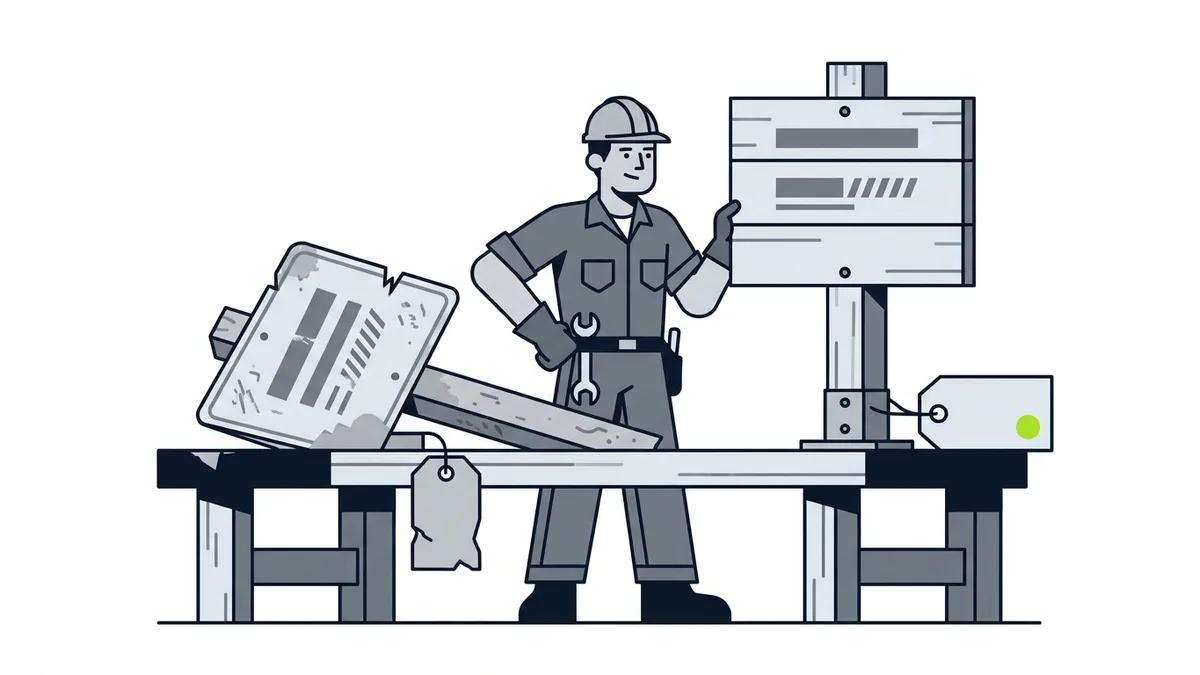
Yes, for practical purposes. Google Verified is the name Google uses today for the badge on Local Services Ads. Google's "Getting started with Local Services Ads" page uses "Google Verified badge" throughout and does not mention "Google Guaranteed" at all (Google, "Getting started with Local Services Ads", Local Services Help, accessed Oct. 2026).
Why does the old name stick around? Because people kept searching for it, and many older guides still use it. If you read an article that talks about the old "Google Guaranteed" program, treat its details with care. Rules, requirements and wording may have changed since it was written. When in doubt, check Google's own help pages.
One more point worth stating plainly. The word "guarantee" in the old name made some owners believe Google promised something specific to customers. This guide does not make claims about what the old guarantee covered, because Google's current pages do not describe it. What you can rely on is what the current pages say about the badge today.
What Does the Google Verified Badge Mean?
It signals that your business passed Google's screening. Google describes it as a badge that "helps inspire confidence by signaling to consumers that your business has passed Google's proprietary screening process" (Google, "Getting started with Local Services Ads", Local Services Help, accessed Oct. 2026).
Google's help page also says provider profiles display the badge along with the specific verification checks the business has completed. For a customer comparing two unfamiliar companies, that is useful. It gives them a reason to trust a business they have never heard of.
Two things the badge is not:
- It is not a review score. Reviews come from your customers. The badge comes from Google's screening. They work together, but they measure different things.
- It is not a ranking shortcut. Google's pages do not say the badge guarantees you a position. They do say that failing to answer calls or messages can hurt your ad ranking, which we cover below.
The badge also belongs to Local Services Ads, the pay-per-lead product. Under that model, Google says "You still only pay for valid leads (such as phone calls and messages) rather than ad clicks" (Google, "Local Services Ads transition to Performance Max campaigns with pay-per-lead goals", Google Ads Help, accessed Oct. 2026). The badge is the trust layer on top of that lead model.
How Do You Qualify for the Badge?
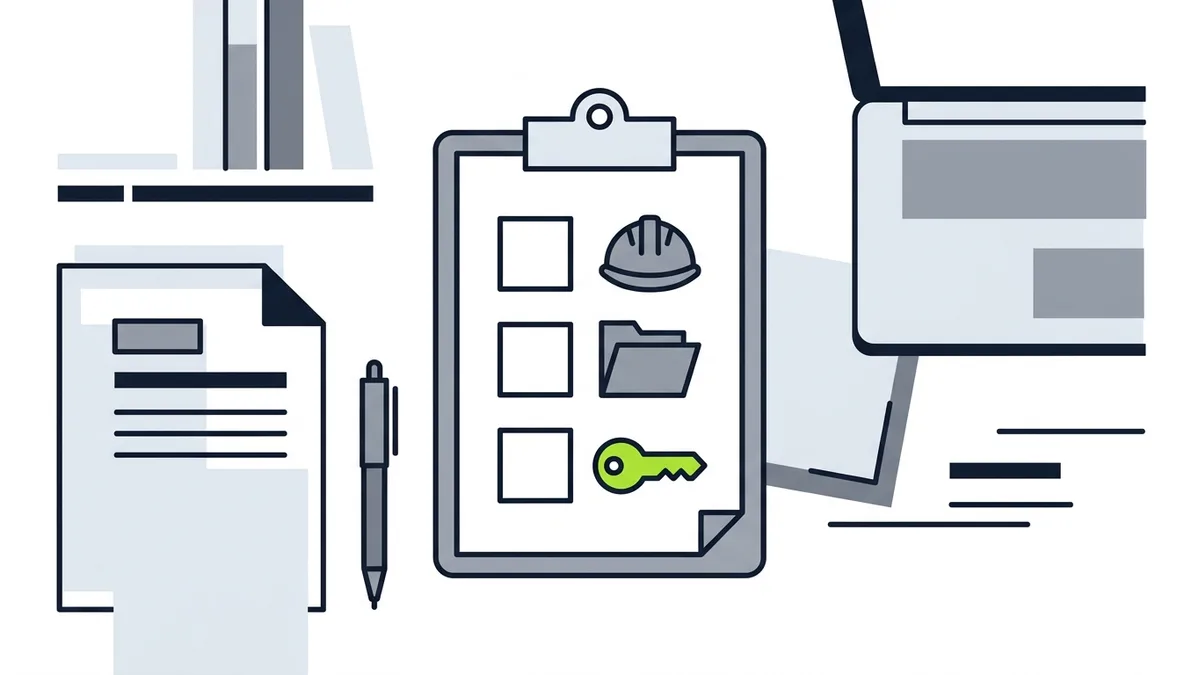
You go through Google's screening, and what that screening includes depends on your trade and where you work. Google says that Local Services businesses that advertise directly with Google "undergo screening procedures that vary by category and region but may include license, insurance, and background checks" (Google, "How providers qualify for Local Services Ads", Local Services Help, accessed Oct. 2026).
Read that sentence slowly, because each word matters:
- "Vary by category and region." A plumber in one city may face different checks than a locksmith in another. Do not assume the checklist you saw in a forum applies to you.
- "May include." Not every business is asked for every check. Google does not promise a fixed list.
- Insurance. The same page says "Whenever applicable, each business must be insured," and that the insurance type and minimum amount depend on the category and location.
So the useful question is not "what is the universal checklist?" It is "what does Google ask for my trade in my area?" You find out inside Google's sign-up flow, which shows the requirements for the category and location you choose.
What to get ready before you start
You do not need to know the exact list to prepare. Google names license, insurance and background checks. Pulling these together ahead of time is a sensible start, plus one item that is just good practice:
- Your business license, if your trade requires one where you work.
- Proof of insurance that matches your category and location.
- Background check information, if your category calls for it.
- A consistent business identity. Your name, address and phone number should match across your website and your Google Business Profile. Our Google Business Profile checklist walks through that.
If you are still sorting out licensing or insurance, handle that first. The badge cannot be earned around missing paperwork.
Why Can't Some Businesses Get the Badge?
Because it is not available everywhere. Google's help page says the badge "is currently unavailable for verticals in the auto, beauty, and dining categories" (Google, "Getting started with Local Services Ads", Local Services Help, accessed Oct. 2026).
If your business is in one of those three categories, no amount of paperwork will change that today. Google's wording is "currently," so the situation can change, and the help page is where to check. Outside those three categories, availability still varies by trade and region, and Google's pages do not publish a list of which categories qualify in which city. The sign-up flow is the only reliable way to find out.
If the badge is not available to you, that does not mean you have no path to the top of Google. Search Ads do not have this screening step, and your Google Business Profile is free. The badge is one trust signal among several, not the only one.
Does the Badge Cost Extra?
Google's pages do not describe a separate fee for the badge. What they do describe is how leads are priced. Lead prices "may vary depending on your location, the job type, the type of lead, or your bidding mode," and message leads are typically priced lower than phone leads, "although that's not always the case" (Google, "How leads work", Local Services Help, accessed Oct. 2026).
The value of a lead also comes from competition. Google says, "When similar local businesses bid on the same lead, those bids determine how much the lead is worth" (Google, "How bidding works for Local Services Ads", Local Services Help, accessed Oct. 2026). The same page says that the higher your weekly budget, the more leads you could get.
This article does not quote a price, because the price depends on your trade, your city and the bids around you. For the budgeting side, our guide to what paid ads cost a local business and the one on what Google Ads cost a small business explain how to plan without guessing.
What Happens After You Have the Badge?
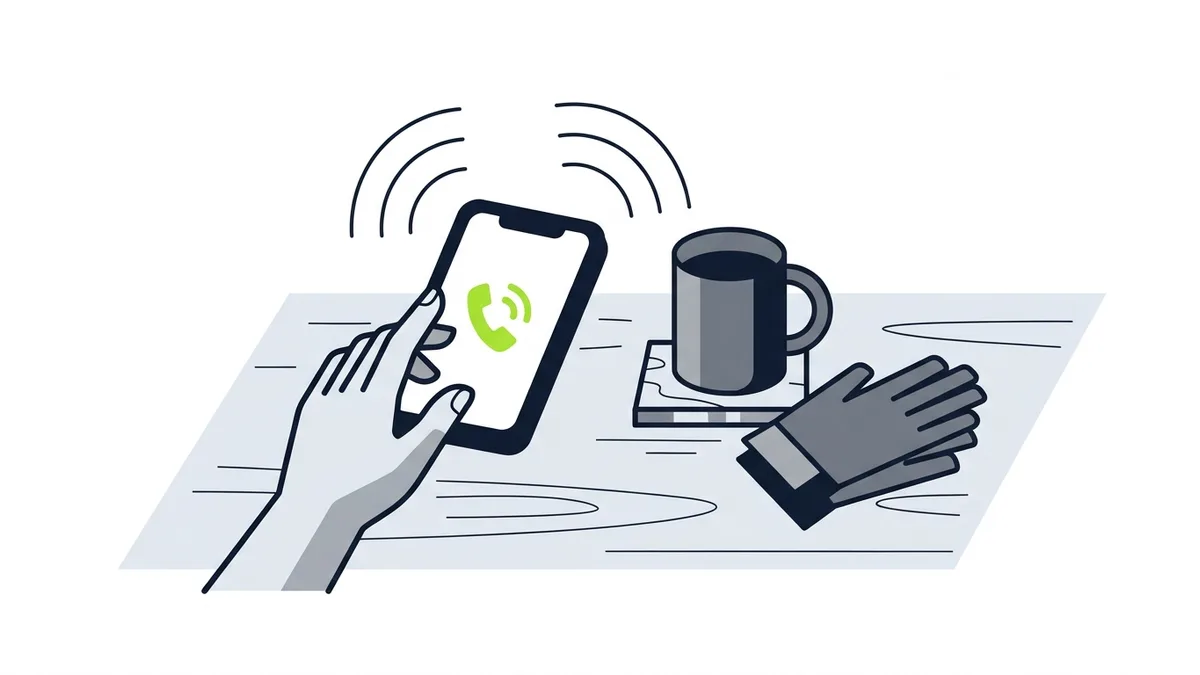
You still have to answer. The badge helps a customer choose you, but the call or message still needs a response. Google's help page is direct about it: "If you regularly fail to answer calls or respond to messages, your ad ranking may be affected" (Google, "Getting started with Local Services Ads", Local Services Help, accessed Oct. 2026).
The same page also tells you to respond to as many messages as you can, even when you decline the requested service. That is a small habit with a practical reason: it keeps the flow of messages coming.
For a small crew working in the field, this is the part that gets missed. The screening is a one-time hurdle, but answering the phone is a daily job. Decide ahead of time who picks up when you are on a roof or under a sink. Our guide on what to do with leads from Google ads covers the day-to-day handling, including what counts as a valid lead and how to flag a poor one.
Is the Badge Worth Pursuing?
It can be, if your category is eligible, your paperwork is in order and you can answer what comes in. There is no published figure in Google's pages that tells you how much the badge changes results, so do not rely on a number you saw somewhere else.
A better approach is to judge it the way you judge any channel:
- Count booked jobs, not leads. A lead that never turns into work is not cheap.
- Track the channel separately. Use separate call tracking or lead tags so you know which jobs came from Local Services Ads.
- Know your close rate first. If you close only a fraction of your leads, your real cost per job is higher than your cost per lead.
If you want to see how the badge fits next to regular Search Ads, return to the Local Services Ads vs Google Ads comparison.
Frequently Asked Questions
Is Google Guaranteed still a thing?
The name is old. Google's current help pages call the badge Google Verified and do not use "Google Guaranteed." People still search for the old name, so you will see it in older articles.
What does the Google Verified badge mean?
It signals that your business passed Google's screening process. Provider profiles display the badge along with the specific verification checks the business completed.
What does Google check before giving the badge?
Google says the screening procedures vary by category and region and may include license, insurance and background checks. Whenever applicable, each business must be insured, and the insurance type and minimum amount depend on the category and location.
Which businesses cannot get the badge?
Google says the badge is currently unavailable for the auto, beauty and dining categories. For other trades, availability depends on category and region, so check the sign-up flow for your trade and city.
Can I get the badge without Local Services Ads?
Google's pages describe the badge as part of Local Services Ads. They do not describe a way to get it outside that program.
Does the badge guarantee a better ad ranking?
No. Google's pages do not say that. They say your ad ranking may be affected if you regularly fail to answer calls or respond to messages.
What Should You Do Next?
Check whether your trade and city are eligible, gather your license and insurance paperwork, and decide who answers every call. Then use the badge as one piece of a larger plan, next to a strong Google Business Profile and honest reviews.
Etuos brings more than 10 years of digital marketing experience and has managed over $500,000 in ads. If you want help deciding whether Local Services Ads belong in your plan, see how we approach paid ads for local businesses, or send a message on WhatsApp and tell us how your business runs today. We offer a free diagnosis with no deadline. You can also reach us on the contact page.
Sources
- Google, "Getting started with Local Services Ads", Local Services Help, retrieved Oct. 2026, https://support.google.com/localservices/answer/6224841
- Google, "How providers qualify for Local Services Ads", Local Services Help, retrieved Oct. 2026, https://support.google.com/localservices/answer/6230381
- Google, "Local Services Ads transition to Performance Max campaigns with pay-per-lead goals", Google Ads Help, retrieved Oct. 2026, https://support.google.com/google-ads/answer/17213585
- Google, "How leads work", Local Services Help, retrieved Oct. 2026, https://support.google.com/localservices/answer/7195435
- Google, "How bidding works for Local Services Ads", Local Services Help, retrieved Oct. 2026, https://support.google.com/localservices/answer/10125017