
Google Search Console for Local Business Owners: What to Check First
2026-10-22 · by Lin Zeri
Someone told you to "check Search Console." You opened it, saw a wall of charts and menus, and closed the tab. That is a fair reaction. The tool was built with web developers in mind, and nobody explains which parts matter if you run a plumbing company or a salon.
This guide covers what Google Search Console is, how to prove the site is yours, and the places worth opening first. If your main worry is that the phone is not ringing, our guide on why your website is not getting calls is a good companion to this one.
Key Takeaways
- Search Console is a free Google tool that shows how Google sees your website. You do not need it for your site to appear on Google, but it tells you what Google reports about your pages.
- Verifying the site proves you own it. The verified owner has the highest level of permissions, so make sure that person is you or someone you trust.
- The Performance report shows clicks, impressions, click-through rate and average position. In the chart, average position is the position of the topmost result from your site, not the rank of one page.
- "Not indexed" is not always a problem, but your important pages should be indexed. Being indexed does not guarantee that a page shows up in results.
- A sitemap helps Google learn about your pages. It does not guarantee they are crawled or indexed.
What Is Google Search Console, and Do You Need It?
Google describes it as a tool that "helps you understand and improve how Google sees your site" (Google, "About Search Console", Search Console Help, accessed Oct. 2026). Think of it as a report card that comes straight from Google, about your website only.
The same page is clear on one point that surprises many owners: "You don't have to sign up for Search Console to be included in Google Search results." Your site can show up without it. What you get by signing up is a view into what Google reports, and a place to spot problems that you would otherwise never see.
Having a published website does not mean Google will show it. Google's own guide says that Search "works in three stages, and not all pages make it through each stage," and that it does not guarantee that it will crawl, index or serve your page (Google Search Central, "In-depth guide to how Google Search works", accessed Oct. 2026). Search Console is where you find out which of your pages are making it through and which are not.
Search Console is about your website in Google Search, not your Google Business Profile. If your question is about the map, start with how to rank higher on Google Maps.
How Do You Verify Your Site?

Before Search Console shows you anything, you have to prove the site is yours. Google calls this ownership verification, and defines it as "proving to Search Console that you own a specific website" (Google, "Verify your site ownership", Search Console Help, accessed Oct. 2026).
The page also says that "a verified owner has the highest degree of permissions in Search Console." If the person who verified is a former web designer who has moved on, you may be locked out of your own data.
Here is how to keep control:
- Sign in with a Google account that belongs to the business, not a personal account of an employee or a freelancer who may leave.
- Choose the property type that fits. A Domain property covers your whole domain. For that type, Google says DNS verification "is the only way to verify a Domain property" and calls it "more complex" than the other methods. DNS is a setting at the company where your domain is registered.
- Ask whoever built the website for help if DNS is new to you. Afterward, open the settings and check that the owner listed is an account you control.
- Do not remove the verification record afterward. If it disappears, the site can lose its verified status.
If someone else verifies for you, ask to be added as an owner, so the data does not leave with them.
What Does the Performance Report Tell You?

This is the report most owners open first, and it is the most useful one. It reports four things, and Google defines each in a sentence (Google, "Performance report (Search results)", Search Console Help, accessed Oct. 2026):
| Metric | Google's definition | What it means for you |
|---|---|---|
| Clicks | "The number of times a user clicked your site from Google Search results." | People who reached your site from Google |
| Impressions | "How many times your site appeared in Search results." | How often your site was shown |
| CTR | "The click count divided by the impression count." | Of the times you were shown, how often someone clicked |
| Average position | "The average position of the topmost result from your site." | A rough sense of where you show up |
A few ways to read it without fooling yourself:
Impressions are not visits. Your site can be shown many times and clicked rarely. If impressions are healthy and clicks are low, the problem may be how your page appears in results, such as a vague title.
Average position is easy to misread. For the chart view, Google defines it as the position of the topmost result from your site. If two of your pages appear for the same search, only the higher one counts. So "position 8" does not mean "my service page ranks eighth." Use it to see direction over time.
Compare your site with itself. We will not give you a "good" click-through rate or position, because we have no verified benchmark. Watch your own trend instead.
Look at the queries. The report lists the searches that showed your site. Do they match the services you actually sell? Our guide to local SEO for service businesses shows where to start.
Is Your Site Indexed? Check the Page Indexing Report

If your site does not show up on Google, this is the report that explains most of it. Google says it "shows how many URLs on your site have been crawled and indexed by Google" (Google, "Page indexing report", Search Console Help, accessed Oct. 2026).
The "not indexed" group scares people, so here is the calmer reading from Google itself:
- "Remember that Not indexed is not necessarily bad."
- "Most sites have at least a few unindexed pages, but all of your important pages should be indexed."
The word that matters is important. A thank-you page after a form, a duplicate version of a page, or a login page does not need to be in Google. Your home page, your service pages and your contact page do. For each not-indexed page, ask: do I want a customer to find this? If yes, it needs attention.
Even an indexed page is not guaranteed to appear: Google states that "just because a page is indexed doesn't guarantee that it will show up in your search results." And an indexing problem is often a setting on your own site, such as a tag or a rule that tells Google to stay away. An important page that is not indexed is worth passing to whoever manages your site. If it is your map listing that is missing, see why your business is not showing on Google Maps.
How Do You Inspect a Single Page?
When you care about one specific page, such as a new service page, use the URL Inspection tool. You paste the address, and Search Console tells you what Google has on record for it.
Know one detail about what you are seeing: "the results shown are from most recently indexed version of a page, not the live version on the web" (Google, "URL Inspection tool", Search Console Help, accessed Oct. 2026). If you changed the page recently, the report may show the older version. The tool also offers a live test that, in Google's words, "fetches and examines the URL in real time," which is how you check the current version.
You will also see an option to request indexing. Google says "submitting a request does not guarantee that the page will appear in the Google Index." It is a nudge, not an order.
What About Sitemaps?
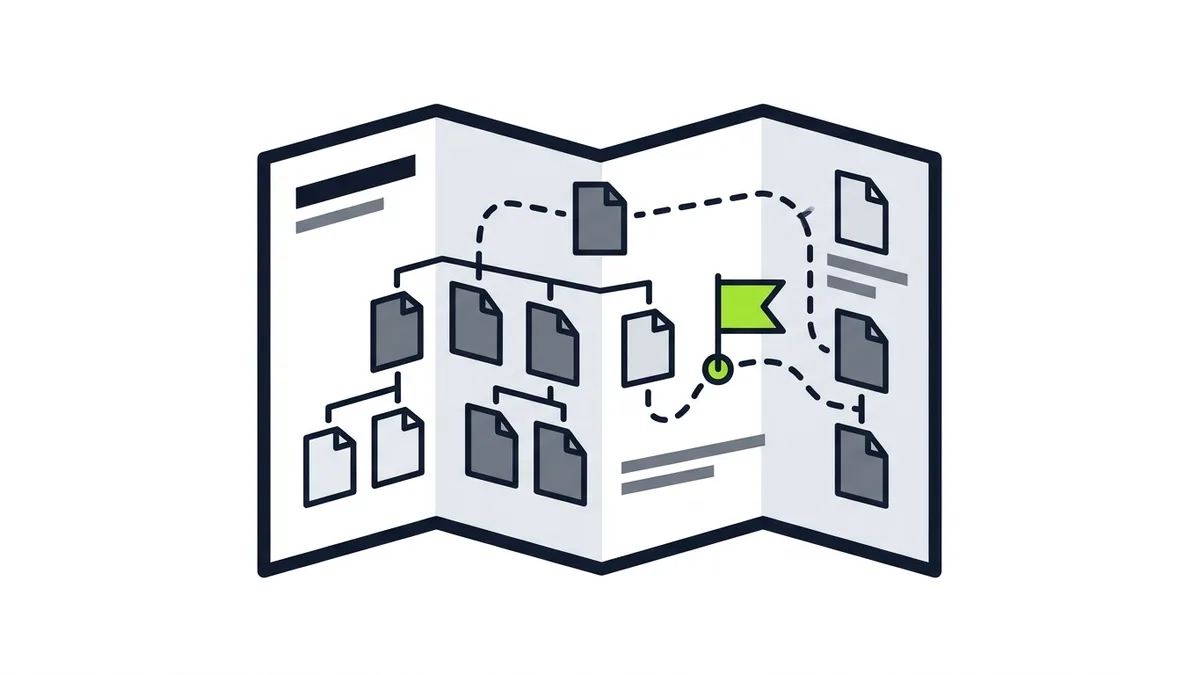
The Sitemaps report is the last stop on your first visit. Google defines a sitemap as "a file on your site that tells Google which pages on your site we should know about" (Google, "Sitemaps report", Search Console Help, accessed Oct. 2026).
The report lets you confirm that Google has your sitemap. If it is missing, ask your web person to add one and submit it. Google's documentation says a sitemap does not guarantee "that all the items in your sitemap will be crawled and indexed" (Google Search Central, "Learn about sitemaps", accessed Oct. 2026). It helps Google learn your pages exist. It does not force Google to show them.
What Should You Check First?
If you only have a few minutes, here is a simple order:
- Confirm you are a verified owner, and that the account is one the business controls.
- Open the Performance report and look at clicks and impressions together. Read the list of queries and ask whether they match what you sell.
- Open the Page indexing report and look at the not-indexed list for pages you want customers to find.
- Inspect your most important page, usually the home page and your main service page, with the URL Inspection tool.
- Check the Sitemaps report to confirm Google has your sitemap.
- Write down what you saw, and come back on a regular schedule. The value is the trend, not any single visit.
What Search Console Will Not Tell You
It reports on clicks from Google Search results to your website. It does not record phone calls, form submissions, or whether a visitor became a customer. A site can get clicks and still bring in no work if the page makes it hard to call or ask for a quote.
So use Search Console to answer one question: is Google showing and indexing my website? Then use your own records, such as calls, messages and booked jobs, to answer the second question: are those visitors turning into business?
Frequently Asked Questions
Do I need Google Search Console for my website to show up on Google?
No. Google says you do not have to sign up for Search Console to be included in Google Search results. The tool helps you understand how Google sees your site.
What does average position mean in Search Console?
In the chart, Google defines it as the average position of the topmost result from your site, so it is not the rank of one particular page. Use it to watch direction over time.
Is it bad if some pages are "not indexed"?
Not necessarily. Google says most sites have at least a few unindexed pages. What matters is that your important pages, such as your home page and service pages, are indexed.
If I request indexing, will my page show up on Google?
Not guaranteed. Google says that submitting a request does not guarantee the page will appear in the Google index.
Does a sitemap make Google index all my pages?
No. A sitemap tells Google which pages you want it to know about, but Google says it does not guarantee that every item will be crawled and indexed.
Want Help Reading What Search Console Shows?
If you opened Search Console and are not sure what to do with what you saw, the next step is looking at the report, the website and your listing together. We offer a free diagnosis with no deadline: send a message on WhatsApp and tell us what you sell and where you want to be found. You can also see how we work on our SEO service page or reach us on the contact page.