
Why Your Business Website Is Not Getting Calls (and What to Fix First)
2026-10-15 · by Lin Zeri
You paid for a website, it looks fine to you, and the phone stays quiet. That is frustrating, and it usually leads to the wrong fix: a new design, a new color, a new agency. Most of the time the problem is narrower than that, and you can find it with a short checklist.
This guide gives you the order to check things in. It starts by separating two problems that look identical from the outside, then walks through the page elements that decide whether a visitor picks up the phone. It does not quote conversion rates or load-time numbers, because no honest benchmark fits every business.
Key Takeaways
- A website with no calls has one of two problems: not enough of the right visitors (traffic) or visitors who leave without acting (conversion). Fix the right one.
- If people do visit, check the basics in order: what the first screen says, how easy it is to call, what proof you show, and whether each service has its own page.
- Reviews matter because customers check them before choosing. Show them on your site, not only on Google.
- Do not redesign everything at once. Change one thing, then see whether the calls change.
Is It a Traffic Problem or a Conversion Problem?
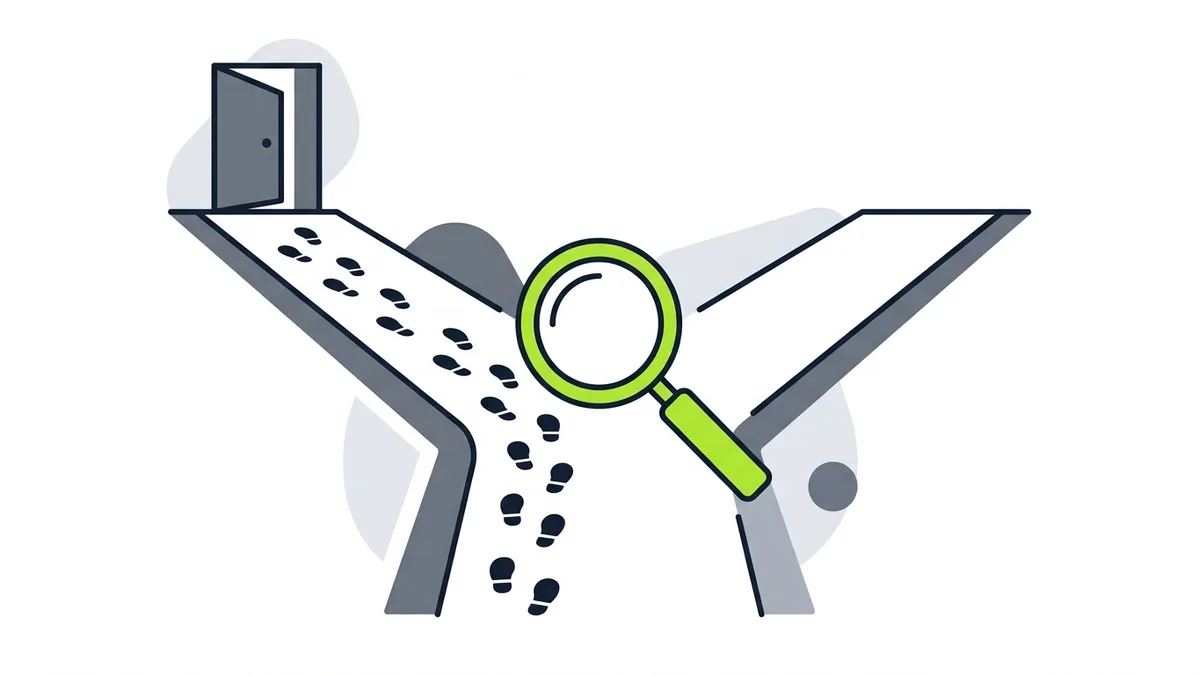
Start here, because the two problems need opposite fixes. A traffic problem means few people who need your service ever reach your site. A conversion problem means people do arrive, but they leave without calling or sending a form.
Picture two shops. In the first, the sidewalk is empty. In the second, it is busy, but nobody walks in. Repainting the door helps only the second.
Check which shop you run with the tools you already have:
- Google Analytics or a similar tool. How many people visit in a typical week, and which pages do they see?
- Google Search Console. It shows which searches lead to your site and how often people click.
- Your own count of calls and forms. Write down every call and form that mentions the website, even if the number is small.
- Your Google Business Profile. Calls can arrive there without ever touching your site.
Read the results plainly. If almost nobody visits, you have a traffic problem, and the pages on the site matter less than how people find you. If people visit and leave, you have a conversion problem, and the rest of this guide applies.
One caution about traffic numbers. SparkToro reported that in the first four months of 2026, 68.01% of Google searches in the U.S. ended without a click (SparkToro, "In 2026, Less than One Third of Google Searches Still Send a Click", 2026, accessed Oct. 2026). That figure covers all searches, not only local ones, so it is not a verdict on your site. It is a reminder that a lot of looking happens on Google itself, before anyone reaches you, and that visits alone do not tell you the whole story.
If your problem is traffic, start with how local SEO works for service businesses or with why your business may not show on Google Maps. Google says local results are mainly based on relevance, distance and popularity, and that there is no way to request or pay for a better local ranking (Google, "Improve your local ranking on Google", Google Business Profile Help, accessed Oct. 2026). Visits come from earning that position, not from the look of the site.
Does Your First Screen Say What You Do and Where?
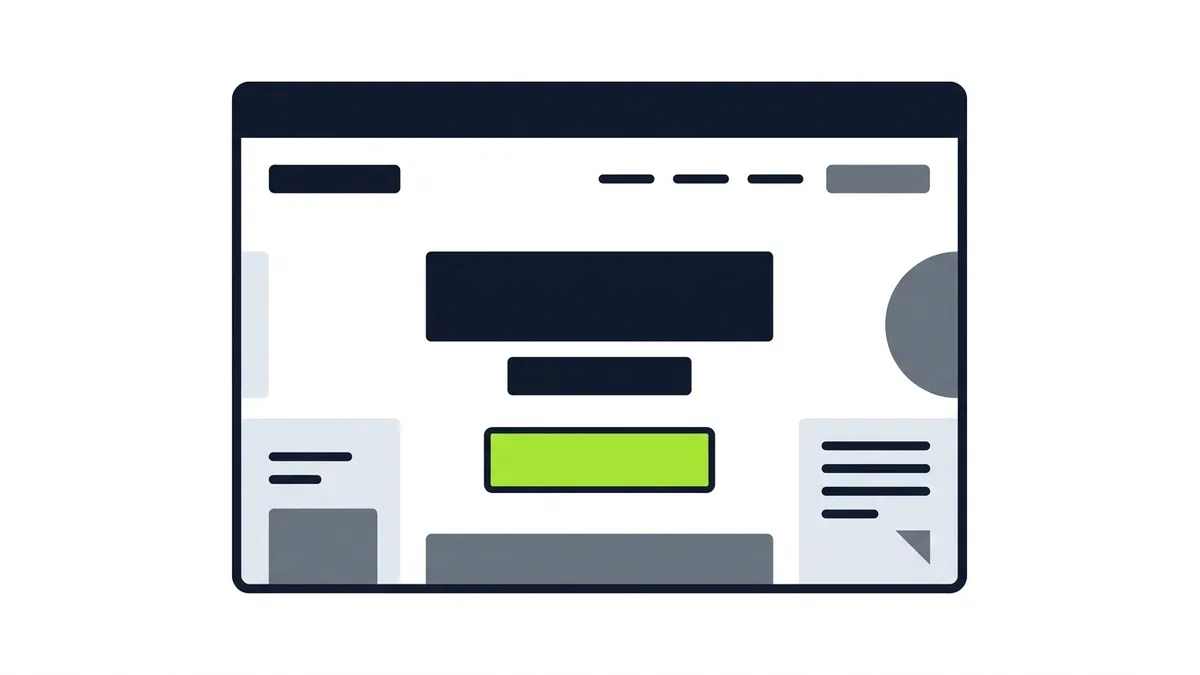
Visitors judge whether they are in the right place from what they see first. The first screen, before any scrolling, has to answer three questions without effort: what do you do, where do you do it, and what should I do next.
Open your site on your phone and look only at the first screen. Cover everything else with your hand. Then ask:
- Does it name the service in the words a customer uses? "Water heater repair" beats "Comprehensive home solutions."
- Does it name the city or area? A visitor from another state, or one who just wants to confirm you cover their street, needs that fast.
- Is there one clear next step? A call button or a short form, not six equal links.
Vague headlines are a common leak. "Quality service you can trust" could belong to any business, so it tells the visitor nothing.
If you serve customers in more than one language, say so on this first screen too. A visitor who prefers Spanish should not have to guess whether anyone on your team can help. Our post on building a bilingual website covers how to set that up.
Can a Visitor Call You in One Tap?
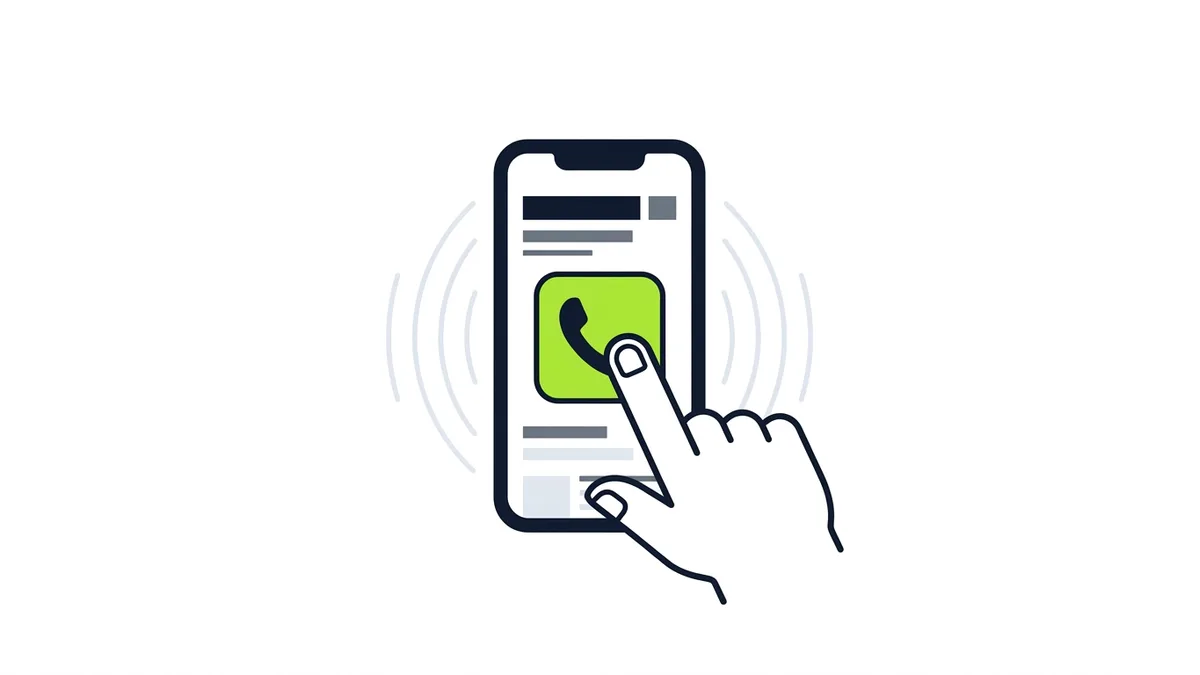
For a local service business, the call is the conversion. Anything that adds a step between the visitor and the phone costs you leads.
Check these on a real phone, not only on a desktop screen:
- The number is at the top and works as a link. On a phone, tapping it should start the call. If the number is an image or plain text, the visitor has to copy and paste it.
- The call button stays easy to reach as the page scrolls. Visitors read a few lines, decide, and need the button right there.
- The form is short. Ask for a name, a phone number and a line about the job. Every extra field is another reason to quit.
- Nothing blocks the page. Pop-ups that cover the screen and auto-playing video make the next step harder to find. Notice what gets in your way on your own phone.
Then test the whole path as a customer would. Tap the number. Submit the form with your own details. Check where the message goes and who sees it. A broken form or a mistyped number can look like a traffic problem for months.
Do Visitors See Proof That You Are Real?
A stranger deciding whether to let you into their home, or pay for a job, looks for signs that you are real and good at the work. Your site has to show them, because they will check elsewhere if it does not.
BrightLocal's 2025 survey found that 74% of consumers check at least 2 review sites before making a purchase decision (BrightLocal, 2025, via SearchLab Digital, accessed Oct. 2026). In its 2026 edition, 85% of people said they are more likely to use a business after reading positive reviews (BrightLocal, 2026, via PinMeTo, accessed Oct. 2026). These are survey answers about stated behavior, so treat them as direction, not a guarantee. The direction is still clear: people read reviews before they choose, and a site with no proof makes them leave to go find it.
What proof can your site carry?
- Real reviews, with the reviewer's first name and the type of job. A few specific ones beat a wall of generic praise. If you need more, see how to get Google reviews.
- Photos of your own work and your own team. Stock photos of smiling strangers are easy to spot and add nothing.
- Licenses, insurance and certifications, where your trade uses them. Say only what is true and current.
- A real address or service area, a local phone number and the business name matching your Google Business Profile. Consistency is its own kind of proof.
Put the strongest proof near the call button, not buried on a separate page that few visitors reach.
Is There a Page for Each Service?
A single "Services" page that lists everything in one paragraph gives visitors, and Google, very little to work with. Someone who searched for "drain cleaning" wants a page about drain cleaning.
A good service page does four things:
- It names the one service and who it is for.
- It explains in plain words how the job works.
- It shows proof tied to that service, such as a photo of that kind of job or a review that mentions it.
- It ends with the same easy call button and short form.
The related question of whether you need a separate page for every city you serve is its own topic, and we cover it in a later guide. For now, get the service pages right first.
Is the Page Behind Your Ads the Problem?
If your calls are meant to come from paid ads, the page that people land on matters as much as the ad. Sending every click to the home page makes the visitor translate the ad into a menu choice. A page that repeats the ad's promise and offers one action usually serves the visitor better.
Google lists landing page experience as one of the three components of Quality Score, with expected clickthrough rate and ad relevance. Google also says Quality Score is not an input in the ad auction and is a diagnostic tool (Google, "About Quality Score for Search campaigns", Google Ads Help, accessed Oct. 2026). Use it as a signal about the page behind your ad, not as a number to chase.
We compare the two page types in landing page vs website, so we will not repeat that here. If you suspect the site is too thin or too old to fix piece by piece, what a small business website should cost explains what drives the price before you ask for quotes.
What Should You Fix First?
Fix in this order, because each step makes the next one worth doing. Change one thing at a time so you can tell what worked.
- Confirm the basics work. The phone number is tappable, the form delivers to a person who reads it, and the site opens properly on a phone.
- Rewrite the first screen. Service, area and one next step.
- Move the call button and proof up. Put reviews and real photos where the decision happens.
- Give each main service its own page. Start with the one that brings your best jobs.
- Match ad clicks to the right page. Only after the site itself is solid.
- Then work on traffic. More visitors help only when the page can turn them into calls.
Keep a simple log of what you changed, the date, and the calls and forms that followed.
Frequently Asked Questions
Why is my website not getting calls?
Usually for one of two reasons: too few of the right people visit, or visitors arrive and leave without acting. Check your visits first. If people do come, look at the first screen, the call button, the proof on the page and whether each service has its own page.
How do I know if my problem is traffic or conversion?
Compare how many people visit with how many call or send a form. Very few visits points to a traffic problem. Plenty of visits with few calls points to a conversion problem. Your Google Business Profile calls matter too, because they can arrive without a site visit.
What should be on my website's first screen?
The service you offer, the city or area you cover, one clear next step such as a call button, and a sign of trust such as a review. Skip vague slogans that could describe any business.
Do I need a new website to get more calls?
Not always. Many sites improve with a clearer first screen, an easier call button, real proof and one page per service. A rebuild makes sense when the site makes those changes hard.
Do reviews really affect whether people call?
Surveys say people read them before choosing. BrightLocal's 2025 survey found that 74% of consumers check at least 2 review sites before making a purchase decision. These are stated habits, but they are a good reason to show reviews on your own site.
Will ads fix a website that does not get calls?
Ads can bring visitors, but they cannot make a weak page convincing. If the page behind the ad is unclear or hard to use on a phone, you pay for clicks that leave.
What Should You Do Next?
Open your site on your phone today, look at the first screen, tap your own phone number and submit your own form. That short test will show you more than any redesign quote. Then pick the single weakest item on the checklist above and fix it first.
Etuos brings more than 10 years of digital marketing experience to local businesses. If you want a second opinion, see how we approach website design, or send a message on WhatsApp and tell us what your site does today. We offer a free diagnosis with no deadline. You can also reach us on the contact page.
Sources
- SparkToro, "In 2026, Less than One Third of Google Searches Still Send a Click", 2026, retrieved Oct. 2026, https://sparktoro.com/blog/in-2026-less-than-one-third-of-google-searches-still-send-a-click/
- Google, "Improve your local ranking on Google", Google Business Profile Help, retrieved Oct. 2026, https://support.google.com/business/answer/7091
- BrightLocal, Local Consumer Review Survey 2025, via SearchLab Digital, retrieved Oct. 2026, https://searchlabdigital.com/blog/data-from-brightlocals-consumer-review-survey/
- BrightLocal, Local Consumer Review Survey 2026, via PinMeTo, retrieved Oct. 2026, https://www.pinmeto.com/news/brightlocal-local-consumer-review-survey-2026/
- Google, "About Quality Score for Search campaigns", Google Ads Help, retrieved Oct. 2026, https://support.google.com/google-ads/answer/6167118