
Do You Need a Separate Web Page for Every City You Serve?
2026-10-29 · by Lin Zeri
You serve six towns, and your website talks about one. So someone tells you to build a page for every city, and a quick search shows agencies selling exactly that. Before you add six pages, it helps to know what those pages are for, when they work, and when they become a problem.
This guide gives you a way to decide. It does not name a perfect number of pages, because no honest number exists. It does not promise a ranking, because no page can. The one idea to keep: a city page earns its place only when it has something useful to say that the other pages do not.
Key Takeaways
- A page for every city is a choice, not a requirement. Build one when you can say something real and different about that place or service.
- A page that only swaps the city name is a near duplicate. Google names pages aimed at specific cities that funnel users to one page as an example of doorway abuse.
- Not every city page is spam. The test is whether the page gives a visitor something the other pages do not.
- Your Google Business Profile service areas and your website pages are two separate setups. One does not replace the other.
Do You Need a Separate Page for Every City You Serve?
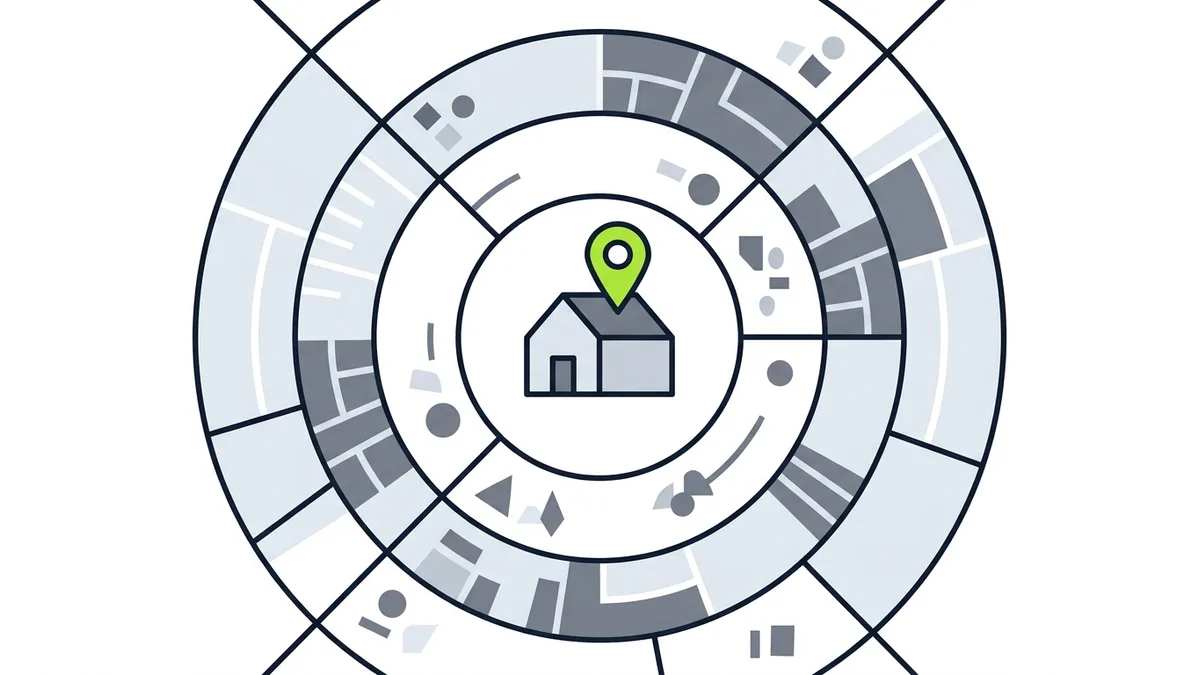
No. A page per city is a choice, not a requirement, and plenty of service businesses do fine without one. What you need is for a visitor from any town you serve to land on a page that confirms you work there, shows proof, and makes calling easy.
That can be one strong page that names the areas you cover, plus service pages that explain each job. A separate city page makes sense only when it adds something the main pages cannot.
Two limits are worth saying plainly:
- A city page does not move your business closer. Google says local results are mainly based on relevance, distance and popularity, and that there is no way to request or pay for a better local ranking (Google, "Improve your local ranking on Google", Google Business Profile Help, accessed Oct. 2026). Distance is one of the three factors, and a web page does not change where your business is based. We go deeper on this in how to rank higher on Google Maps.
- Publishing a page does not guarantee it shows up. Google says it does not guarantee that it will crawl, index or serve a page, and that not all pages make it through each stage of Search (Google Search Central, "In-depth guide to how Google Search works", accessed Oct. 2026). Ten new pages are not ten new chances. They are ten more things that have to be useful.
What Does Google Say About City Pages?

Google has a spam policy that matters here. It says that "Doorway abuse is when sites or pages are created to rank for specific, similar search queries," and that these pages "lead users to intermediate pages that aren't as useful as the final destination." Among its examples is having "multiple domain names or pages targeted at specific regions or cities that funnel users to one page" (Google Search Central, "Spam Policies for Google Web Search", accessed Oct. 2026).
Read that carefully. It does not say a page about a city is spam. It describes pages built to catch similar searches that all push the visitor to the same place, without being useful themselves. A page that exists only because a city name was swapped into a template fits that picture. A page that helps someone in that city decide to call you does not.
Google also publishes questions to ask about your own content. Two of them apply directly: "Does the content provide original information, reporting, research, or analysis?" and "Does the content provide substantial value when compared to other pages in search results?" (Google Search Central, "Creating helpful, reliable, people-first content", accessed Oct. 2026).
Ask both about each city page you plan. If the honest answer is that the page says what your other city pages say, with a different name at the top, you have a near duplicate. Do not publish it, or fix it first.
When Does a City Page Earn Its Place?

A city page earns its place when it carries information a visitor in that city needs and could not get from a generic page. Look for real differences in these areas:
- The service itself. Maybe the housing in one town is older, the lots are different, the rules are stricter, or the demand is different. If the job changes, the page can explain how.
- Your proof. Real jobs you completed there, photos of that work, and reviews from customers in that town. Proof from the same place is the strongest content a city page can hold, because nobody else has it.
- The people. A technician who lives there, a crew based nearby, or staff who speak the language of that neighborhood. If your business serves customers in Spanish or Portuguese, say so on the page where it applies.
- The neighborhoods and details you actually know. Streets, districts, the kinds of buildings, local permits or rules you have worked with. Only write what is true and that you can stand behind.
- The questions people in that area ask. Gather them from your own calls and messages, not from a keyword tool. Answer them on the page.
- How the job works there. Whether you travel to the customer, how an estimate or visit gets scheduled, and how to book.
If you cannot fill most of this list for a city, that city probably does not need its own page yet.
When Should You Skip the City Page?
Skip it, or wait, in these cases:
- You have no real work there yet. A page that claims local expertise you do not have misleads visitors, and visitors notice.
- Your pages would differ only by name. If two pages would be the same except for the city, merge them into one page that lists the areas you cover.
- The town is a few minutes from another one you already cover. A strong page about the larger area often serves both.
- You cannot keep the page accurate. An outdated page with old photos and wrong details hurts more than no page.
The simpler option still works. One service page can say "We serve Framingham, Natick and Ashland" and be genuinely useful, as long as it also carries proof and a clear way to call. You can always split a city off later, once you have the content to make it worth reading.
How Do You Build a City Page That Is Not a Template Swap?
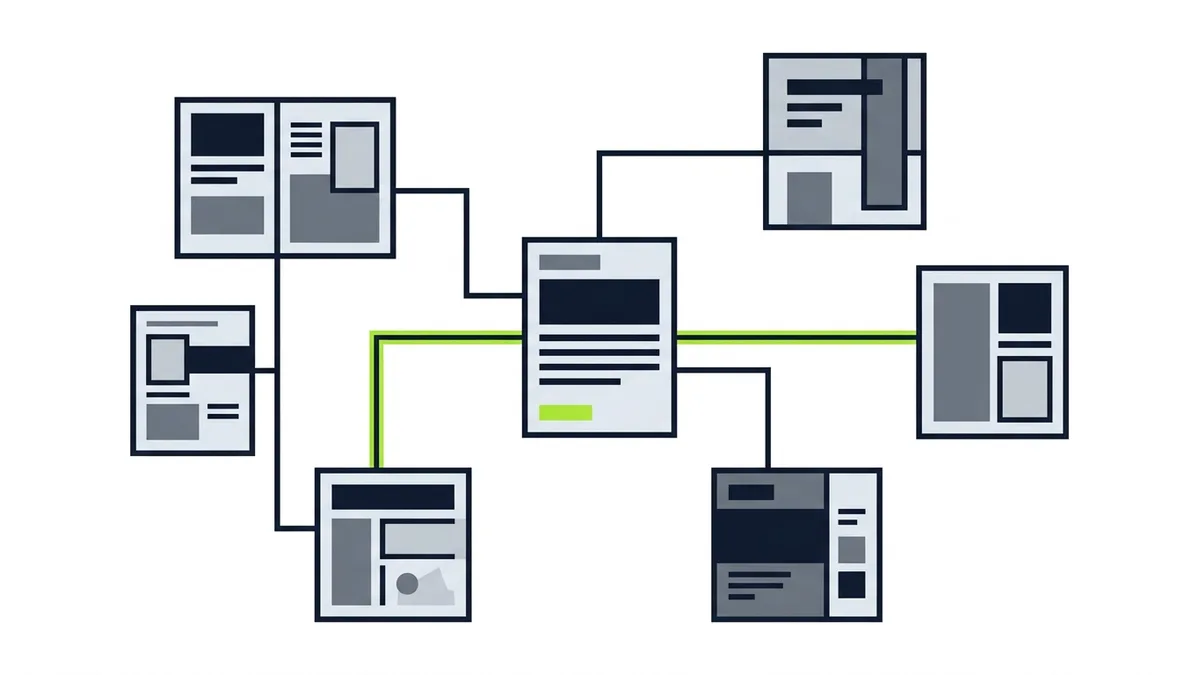
Start from the visitor, not from the keyword. Picture a homeowner in that town and ask what they would need to see before calling. Then write that page.
Use this checklist for each page:
- Open with the service and the place in plain words. A visitor should know in one glance what you do and that you do it there.
- Add proof tied to that place. Photos of your own work in that town and reviews that mention it. Do not copy proof from another city.
- Write a section only that city could have. A real detail about the area, the housing, a rule or a common job.
- Answer two or three questions customers from that area actually ask. Keep the answers short and honest.
- Make the next step easy. A tappable phone number and a short form, as in our guide to fixing a website that gets no calls.
- Link the page into the site. Connect it to the matching service page and to your main page about the areas you cover, so a visitor can move around.
- Read it as a stranger. Cover the city name. If the page could describe any town, it is not ready.
Check the page on a phone too. Google says it uses the mobile version of a site's content for indexing and ranking, and that only the content shown on the mobile site is used for indexing (Google Search Central, "Mobile site and mobile-first indexing best practices", accessed Oct. 2026). If the useful part of your city page is hidden on phones, it may not be used at all.
Two things to avoid. Do not create pages for towns you do not serve just to be seen there. And do not spread the same text across many domains or sub-sites aimed at different cities: that is the pattern Google's policy describes.
What About Your Google Business Profile Service Areas?
Your profile and your website are different tools, and they follow different rules. On the profile, Google says that if you do not serve customers at your business address, you should remove it, and that you can set up to 20 service areas based on cities, postal codes or other areas you serve (Google, "Manage your service areas for service-area & hybrid businesses", Business Profile Help, accessed Oct. 2026). Service-area businesses should also hide their address, and Google says the overall area should not extend farther than about 2 hours of driving time from where the business is based (Google, "Guidelines for representing your business on Google", Business Profile Help, accessed Oct. 2026).
Notice what that means: adding a city to your profile does not create a web page, and a web page does not add a city to your profile. They should agree with each other, and both should reflect where you really work. The full setup is in our guide to the Google Business Profile for a service area business.
Which Pages Should You Build First?
If you are starting from a thin site, build in this order, and stop when the next page would not be useful:
- One clear page for each main service. This matters before any city page. If your site has no real service pages, fix that first.
- One page that names the areas you cover, with proof and an easy call button.
- A city page for the place where you have the most real work and proof. Treat it as a model for the next one.
- More city pages, one at a time, each with its own content, only where the checklist above passes.
This keeps quality ahead of quantity. For the wider picture of how pages, your profile and reviews work together, read the complete local SEO guide for service businesses.
Frequently Asked Questions
Do I need a separate page for every city I serve?
No. A page per city is a choice, not a requirement. Build one when you have real, different things to say about that place, such as local work, proof, people and questions. Otherwise one page that names the areas you cover can serve visitors well.
Are city pages considered doorway pages?
Not by default. Google describes doorway abuse as pages created to rank for specific, similar search queries that lead users to intermediate pages that are not as useful as the final destination. One of its examples is pages targeted at specific regions or cities that funnel users to one page. A city page with its own useful content is a different thing.
Can I copy one city page and change the city name?
You should not. A page that differs only by the city name adds little for the reader. Google asks whether content provides substantial value compared with other pages in search results, and a swapped template rarely does.
How many city pages should I build?
There is no verified number. Build as many as you can keep accurate and useful, one at a time. If a new page would repeat an existing one, do not publish it.
Will a city page help me rank in a town far from my business?
Do not count on it. Google says distance is one of the main factors in local results, and a web page does not change where your business is based. A page can help a visitor from that town decide to call you, but it does not guarantee a position.
Are my Google Business Profile service areas the same as city pages?
No. Service areas live in your profile, where Google allows up to 20. City pages live on your website. Keep them consistent, but set up each one on its own.
What Should You Do Next?
Write down the towns you serve and, next to each one, what you could say that is true only there: jobs you completed, reviews, people, questions. Towns with a long list may deserve a page. Towns with an empty one are better covered by a page that names the area, until you have something real to add.
Etuos brings more than 10 years of digital marketing experience to local businesses. If you want a second opinion on which pages your site needs, see our website design and SEO services, or send a message on WhatsApp and tell us which cities you serve. We offer a free diagnosis with no deadline. You can also reach us on the contact page.
Sources
- Google, "Improve your local ranking on Google", Google Business Profile Help, retrieved Oct. 2026, https://support.google.com/business/answer/7091
- Google Search Central, "In-depth guide to how Google Search works", retrieved Oct. 2026, https://developers.google.com/search/docs/fundamentals/how-search-works
- Google Search Central, "Spam Policies for Google Web Search", retrieved Oct. 2026, https://developers.google.com/search/docs/essentials/spam-policies
- Google Search Central, "Creating helpful, reliable, people-first content", retrieved Oct. 2026, https://developers.google.com/search/docs/fundamentals/creating-helpful-content
- Google Search Central, "Mobile site and mobile-first indexing best practices", retrieved Oct. 2026, https://developers.google.com/search/docs/crawling-indexing/mobile/mobile-sites-mobile-first-indexing
- Google, "Manage your service areas for service-area & hybrid businesses", Business Profile Help, retrieved Oct. 2026, https://support.google.com/business/answer/9157481
- Google, "Guidelines for representing your business on Google", Business Profile Help, retrieved Oct. 2026, https://support.google.com/business/answer/3038177