
From Lead to Paying Customer: The System a Local Service Business Needs
2026-11-02 · by Lin Zeri
Marketing gets a stranger to reach out. It does not turn that stranger into a paying customer. That part happens in your phone, your inbox, your notes app and your follow-up habits, and for most small service businesses it is the weakest link. The ad works, the Google Business Profile ranks, the website brings in a form fill, and then the request sits in one of four places until someone remembers it.
This guide is the full system, start to finish. It covers where leads should land, how to answer them, how to record where each one came from, how to follow up until you get a real answer, and how to ask happy customers for a review. It works for plumbers, roofers, cleaners, electricians, landscapers and any other business where a customer reaches out first. You do not need to buy anything to start. If you already run Google Ads, one companion guide goes deeper on that channel: what to do with leads from Google Ads.
Key Takeaways
- Lead management is a short routine, not a software purchase: one place where every lead lands, a fast first reply, a note of where each lead came from, follow-up until there is an answer, and a review request after the job.
- Leads arrive from several channels, such as Google Ads, the map pack, your website and WhatsApp. Without one shared list, each channel gets handled differently and some get forgotten.
- Recording the source of each lead is what lets you decide where the next marketing dollar goes.
- A review request is the last step of the system, and Google allows asking with a link or QR code but prohibits offering incentives for reviews.
What Is a Lead Management System for a Small Business?
It is the set of habits that carries a customer from first contact to a finished job and a review. In plain terms, it answers five questions: where do leads land, who replies, where did this lead come from, what happens if the customer goes quiet, and how do we ask for a review afterward.
A system sounds bigger than it is. For a business with one owner and a few employees, it can be a shared phone, a spreadsheet and a calendar reminder. What makes it a system is not the tool. It is that the steps happen the same way every time, no matter who is on the job site or how busy the week is.
Here is the whole flow at a glance:
- Catch: every lead lands in one place.
- Answer: a person replies, in the channel the customer used.
- Record: you write down who, what and where the lead came from.
- Follow up: you keep going until the customer says yes, says no, or you have closed the loop.
- Ask: after the job, you request a review.
The rest of this guide takes those five steps in order.
Step 1: Give Every Lead One Place to Land
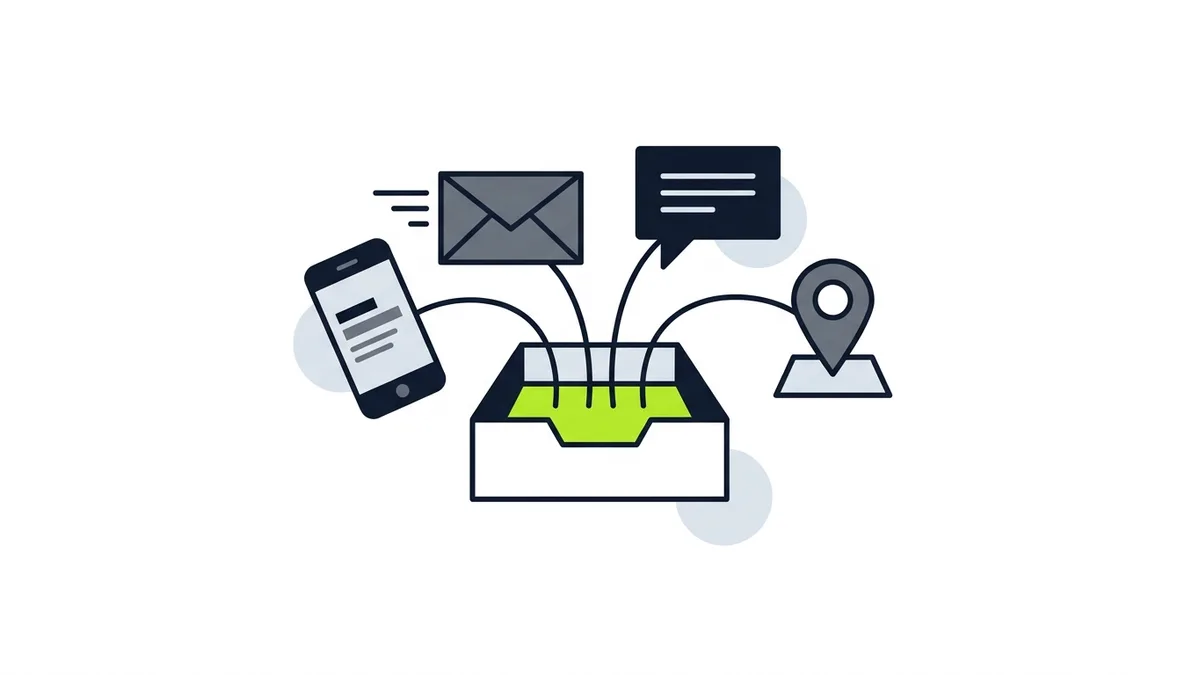
Pick one list and make it the only list. Leads reach a local business through the phone, text messages, email, website forms, WhatsApp, messages from your Google Business Profile and, if you advertise, whatever the ad platform sends you. If each of those lives in its own app, a lead can sit untouched for days without anyone noticing.
The list does not have to be fancy. A spreadsheet works. So does a shared notes page or a paper log by the office phone. What matters is that someone adds every new contact to it, whichever way it arrived.
Three rules keep the list honest:
- One owner. Name one person who is responsible for the list being current. Others can add to it, but one person checks it.
- One entry per customer. If the same person calls, then texts a photo, that is one lead with two notes, not two leads.
- Add it when it arrives, not at the end of the day. A note written right after a call is accurate. A note written from memory a day later is not.
If you are not sure which channels to prioritize yet, where to spend your first marketing dollars walks through that decision. This guide assumes leads are already coming in, from one channel or several.
What to capture for each lead
Keep the fields few enough that people actually fill them in. A useful minimum:
| Field | Why it matters |
|---|---|
| Date | Shows how old a lead is and what is waiting |
| Name and phone or email | So you can reach them again |
| Service wanted and location | Tells you whether it is a job you do and in your area |
| Source | Where the lead came from (see Step 3) |
| Status | Where the lead stands right now (see Step 4) |
| Next step and date | What happens next, and when |
Notice what is not on the list: nothing that requires a special tool, and nothing the customer would find invasive. You are writing down what they told you.
Step 2: Make the First Reply Count
Answer every lead with a real person, in the channel the customer chose. If they called, call back. If they texted, text back. If they filled out a form and gave a phone number, a call is usually welcome, but a short message that says you received it never hurts.
This section stays short on purpose, because the detail on answering belongs to the channel. For Local Services Ads, the rules on what counts as a valid lead, missed calls, billing for follow-up contacts and flagging a poor lead are covered in the Google Ads leads guide. Read that if you pay Google for leads.
What applies to every channel is simpler:
- Decide who answers, and who covers for them. An owner on a roof cannot also answer the phone. A backup person, a clear voicemail greeting or an automatic reply covers the gap.
- Write a short script. Your business name, a friendly greeting, the three questions you need answered (what is the problem, where is the job, when do they need you), and what happens next.
- Treat messages like calls. A text or a WhatsApp message from a customer is a lead, not a nuisance.
There is also a reason to take this seriously beyond good manners. For Local Services Ads, Google says "If you regularly fail to answer calls or respond to messages, your ad ranking may be affected" (Google, "Getting started with Local Services Ads", Local Services Help, accessed Oct. 2026). Responsiveness can affect more than a single lead.
No source gives one response time that fits every trade, so skip the confident numbers you see in sales articles. The standard to aim for is a human answer that is as prompt as your business can reliably keep up, every time, rather than a fast answer on Monday and silence on Friday.
If leads are not coming in at all, the problem sits earlier in the chain. See why a website is not getting calls before you build a follow-up process for leads that do not exist yet.
Step 3: Record Where Each Lead Came From
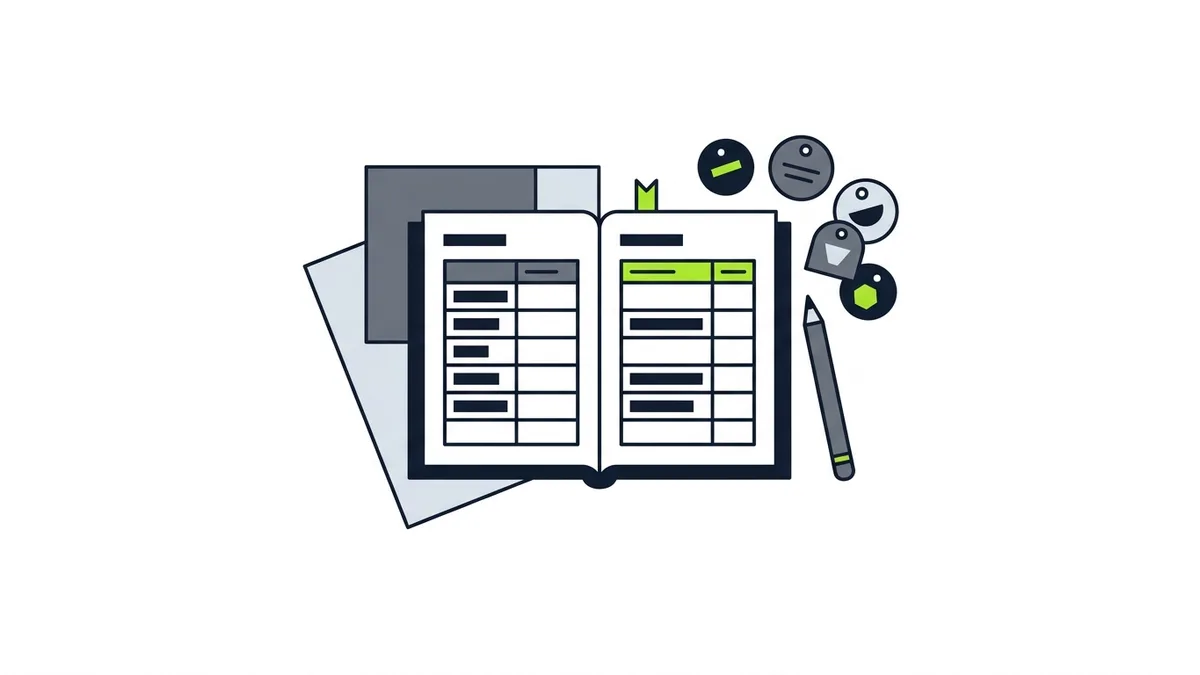
Write the source next to every lead. "Source" means the channel that brought the customer to you: a Google ad, a Google Maps listing, your website, a referral, a yard sign, a Facebook group, a returning customer. It takes five seconds, and it is the cheapest marketing research you will ever do.
The reason is simple. Without sources, every conversation about marketing is a guess. With notes kept consistently, you can see which channel sends the leads you actually want, and which sends calls you cannot use.
How to find out the source
Most customers will tell you if you ask. Add one line to your script: "How did you hear about us?" Some will not remember, and some will say "Google" when they mean the map listing or an ad. That is fine. You are looking for a rough picture, not a perfect one.
You can also read the source from the contact itself:
- A call or message that arrives through your Google Business Profile points to the profile.
- A request that comes through an ad platform is labeled by the platform.
- A form submission can include a short "How did you find us?" field.
- A tracking phone number or tracking link, if you use one, tells you the channel automatically. Set those up only when you have the basics working.
Track more than the source
Source alone can mislead. A channel that sends many leads may send mostly people who never book, and a channel that sends fewer may send people who become your best customers. So record the outcome too. When you have enough notes to compare, look at each source and ask three questions: how many leads did it send, how many did you reach, and how many became jobs?
If few leads are reached, the problem is your phone process. If many are reached but few book, look at your quote and follow-up. If the leads are wrong from the start, look at the targeting or the wording of the ad, the profile or the page. That simple read tells you where to fix things before you spend more.
If you need to decide where tracking in tools like Google Analytics fits later, treat it as an upgrade to this notebook, not a replacement for it.
Step 4: Follow Up Until the Customer Gives an Answer
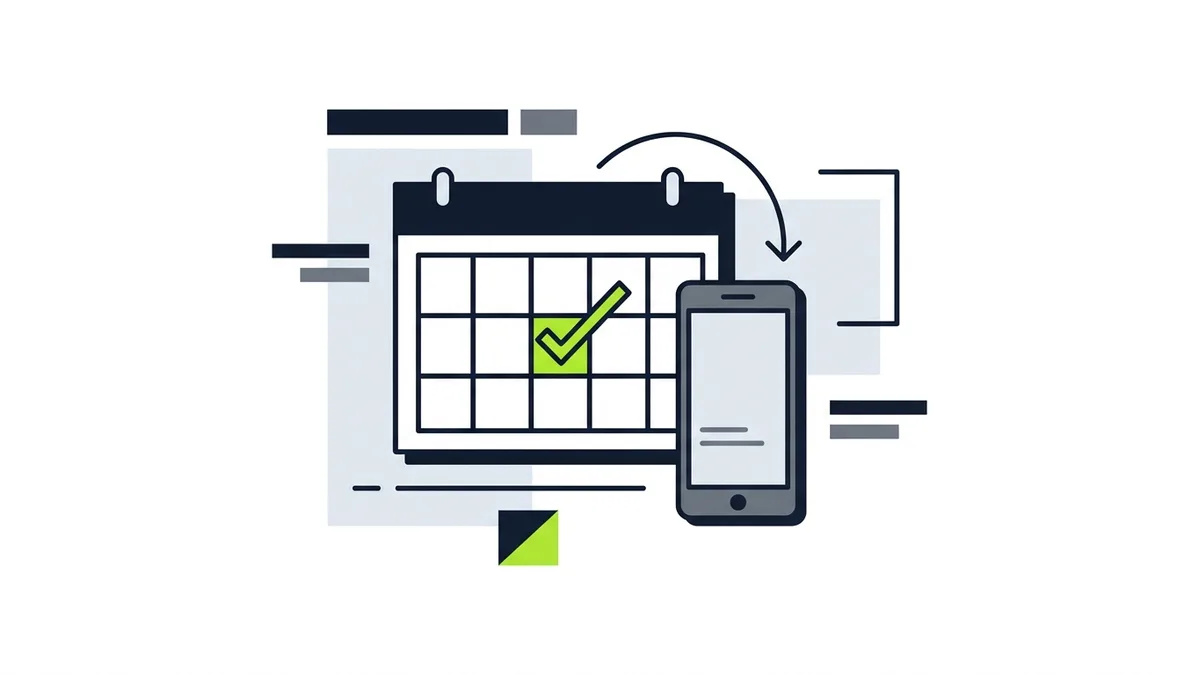
A first reply is not the finish line. Many service jobs involve a quote, a site visit or a customer comparing a few businesses, and a customer who says "let me think about it" may still be deciding. The system needs a rule for what happens next, so that a quiet customer does not turn into a forgotten one.
Give every lead a status and a next step. A simple set of statuses is enough:
| Status | Meaning | Typical next step |
|---|---|---|
| New | Contact received, no reply yet | Reply |
| In conversation | You are talking with them | Answer questions, set a visit or call |
| Quote sent | They have your price | Check in |
| Booked | Job is on the calendar | Confirm details |
| Done | Work finished | Ask for a review (Step 5) |
| Closed, no job | They chose someone else, or it was not a fit | Note the reason |
Every row that is not Done or Closed should have a next step and a date. Once a week, someone reads down the list and acts on every row whose date has arrived.
Follow-up that does not annoy people
The goal is to be helpful and easy to say yes to, not pushy. Some habits that help:
- Reply to the question they asked. If they wanted to know whether you work in their area, say so before you mention anything else.
- Offer one clear next step. "Would Thursday morning or Friday afternoon work for a visit?" is easier to answer than "Let me know what you think."
- Keep your notes visible. When the customer calls back, you should know what you promised them last time.
- Close the loop. If a customer says no, record why, thank them and move on. A polite last message leaves a good impression, and the reason is useful data.
There is no research-backed rule for how many follow-ups to send or how far apart, so do not borrow a formula from a sales blog. Use judgment about the job and the customer, and stop when they tell you to stop.
When to hand off a lead
Not every lead is yours to win. Some are outside your service area, some are for work you do not do, and some are not real customers at all. Mark them closed with the reason and move on. If you advertise on Local Services Ads, Google lets you flag poor leads in a Feedback Survey, and that process is covered in the leads guide.
Step 5: Ask Happy Customers for a Review
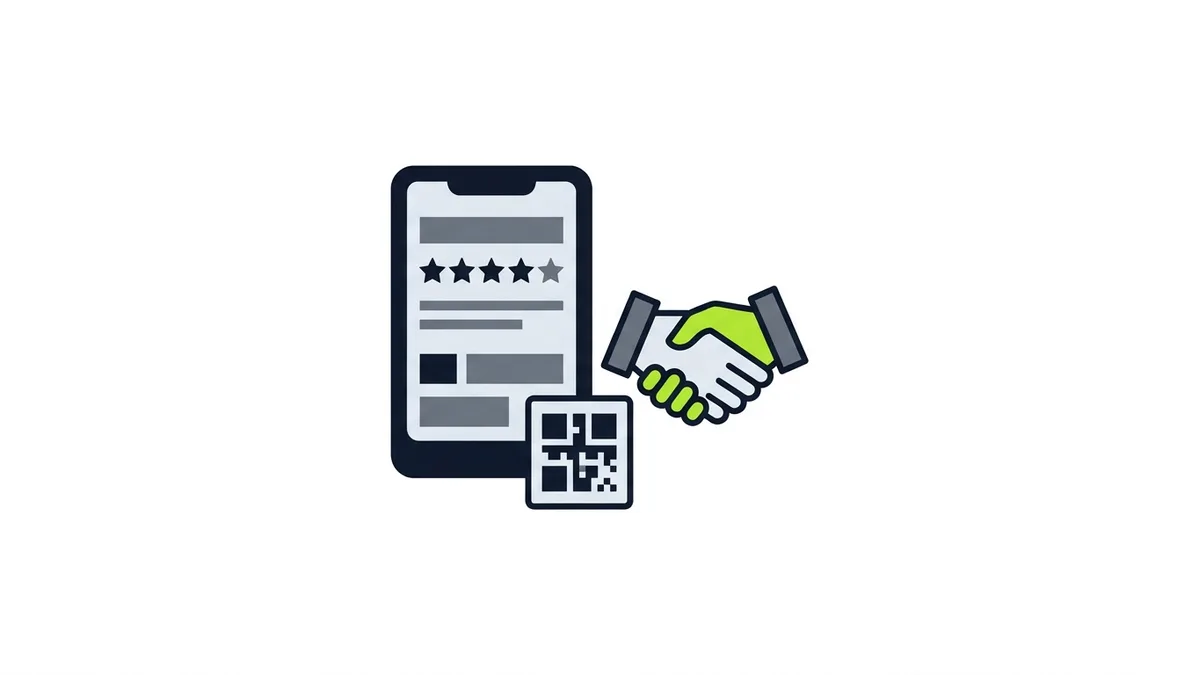
The system does not end when the job does. A review request is the last step because reviews feed the next lead. Customers look at them before they call you, and the people who read them are the leads you want to attract.
BrightLocal's 2026 consumer survey, which polled 1,002 US adults, found that "41% now always read reviews when browsing for a business" and that "80% say they are more likely to use a business that replies to all of its reviews" (BrightLocal, 2026, via PinMeTo, accessed Oct. 2026). That is a stated preference in a survey, not proof of what any one customer will do, but it is a good reason to build review requests into your routine and to answer the reviews you get.
How to ask
Google allows you to ask customers for reviews, and says "To leave reviews, you can ask customers to visit a Google link or scan a QR code" (Google, Business Profile Help, accessed Oct. 2026). A few practical points from Google's help pages:
- Use the link or QR code from your profile. Google explains how to create one in Create a Google link or QR code to request reviews (Business Profile Help, accessed Oct. 2026). It notes that review QR codes can currently only be generated in a computer browser, not on mobile devices, and menus can change, so check the current page.
- Share it where the customer already is. The page suggests receipts, thank-you emails, the end of a chat, and a printed QR code in your store, and says you can send it by email, WhatsApp message or Facebook post.
- Remember the customer needs a Google Account. The review page says customers must be signed in to leave one.
What not to do
Do not offer anything in exchange for a review. Google says offering incentives such as discounts or free goods in exchange for reviews is "fake & misleading content" and "strictly prohibited" (Google, Business Profile Help, accessed Oct. 2026). Do not ask only your happiest customers either: Google's content policy lists selectively soliciting positive reviews from customers among the things it does not allow (Google, "Prohibited & restricted content", Business Profile Help, accessed Oct. 2026).
The simple version: ask everyone, ask politely, make it easy, and do not give anything in return. For the full walkthrough, see how to get Google reviews for your local business, and for the harder moments, how to respond to negative Google reviews.
Build the ask into the status list
Add a column to your lead list: "Review asked." When a job moves to Done, the next step is the review request, and the date goes in the same row. That is how it stops depending on someone remembering after a long day.
Where Does WhatsApp Fit?
Many customers, especially in communities where WhatsApp is the main way people message each other, would rather text than call. If that is true for your customers, treat WhatsApp as one more channel feeding the same list, not as a separate system.
The WhatsApp Business app is a free app made for small businesses. WhatsApp says it "is intended for one phone number" (translated from the Portuguese page, WhatsApp, "A diferença entre o WhatsApp e o WhatsApp para Empresas", accessed Oct. 2026). That matters for planning. If several people need to answer, decide who holds the phone, or whether you need a different product than the small business app.
The app also offers a business profile, a catalog for products and services, and automatic greeting and away messages (WhatsApp, "Por que pequenas empresas devem usar o app WhatsApp Business", accessed Oct. 2026, Portuguese page). Used well, the away message tells a customer that you got their message and when to expect a reply, without you doing anything. Set it up so the message matches what you really do. An automatic reply that promises something you cannot deliver is worse than no reply.
If a good share of your customers write in Spanish, the same logic applies to the language of your reply. Our guide to marketing to multilingual customers covers that side of it.
A Weekly Review That Takes Minutes, Not Hours
Once the list exists, a short weekly check keeps the whole thing alive. Pick a regular time, open the list and go through it in this order:
- Anything still marked New. These are leads no one has answered. Fix them first.
- Anything with a next-step date that has arrived. Act on it or move the date and note why.
- Quotes sent with no answer. Decide whether to check in again or close them.
- Jobs marked Done without a review request. Send the request.
- Sources and outcomes. Glance at where this week's leads came from and what became of them.
Over time, that fifth step is what turns the notebook into a marketing tool. If a channel keeps sending leads that go nowhere, you will see it. If another keeps sending customers who book and leave a good review, you will see that too. That is the information you need when you decide what to do with the next marketing dollar.
Common Mistakes to Avoid
- Three lists. One in the phone, one in email, one on a sticky note. Pick one.
- Only tracking wins. If you only write down the jobs you got, you cannot see where leads leak.
- Leaving it all to memory. Memory is fine on a slow week. It fails in the busy season, which is exactly when leads are easiest to lose.
- Buying software before the habits exist. A tool does not fix a missing process. If nobody updates the spreadsheet, nobody will update the app either. Get the routine working on paper first, and move to a dedicated tool only when the routine has outgrown the spreadsheet.
- Letting the review ask slide. It is the one step customers never prompt you to do.
- Copying a competitor's numbers. Response-time rules and close-rate benchmarks from other industries do not describe your business. Your own list will.
Frequently Asked Questions
What is lead management for a small business?
It is the routine that takes a customer from first contact to a finished job and a review: one place where every lead lands, a prompt reply, a note of the source, follow-up until there is an answer, and a review request after the work.
Do I need a CRM to manage leads?
Not to begin. A spreadsheet or shared notes page with a date, contact details, service, source, status and next step covers the basics. Move to dedicated software only when the habits are in place and the list has outgrown the spreadsheet.
How do I know which marketing channel brings the best leads?
Record the source of every lead and what happened to it. Once you have enough notes, compare each source by how many leads it sent, how many you reached and how many became jobs. Asking "How did you hear about us?" on every first contact is the simplest way to start.
Can I offer a discount in exchange for a Google review?
No. Google says offering incentives such as discounts or free goods in exchange for reviews is "fake & misleading content" and "strictly prohibited." You can ask customers to leave a review using a Google link or QR code, as long as you offer nothing in return.
Can I use WhatsApp for customer leads?
Yes. Treat WhatsApp as one more channel that feeds your single lead list. The WhatsApp Business app is intended for one phone number, so decide who holds the phone, and set up a greeting and an away message that match what you can actually deliver.
What Should You Do This Week?
Set up the list, even if it is a blank spreadsheet. Name the person who owns it. Write the short phone script, with the "How did you hear about us?" line in it. Give every open lead a status and a next-step date, and add a "Review asked" column. These steps cost nothing and they make every marketing dollar you spend later easier to judge.
If you want help turning more of your searches, calls and messages into booked jobs, see how Etuos approaches paid ads and SEO for local businesses. Etuos brings more than 10 years of digital marketing experience and has managed over $500,000 in ads. You can send a message on WhatsApp and tell us how leads reach your business today. We offer a free diagnosis with no deadline. You can also reach us on the contact page.
Sources
- Google, "Getting started with Local Services Ads", Local Services Help, retrieved Oct. 2026, https://support.google.com/localservices/answer/6224841
- Google, "Ask for Google reviews", Business Profile Help, retrieved Oct. 2026, https://support.google.com/business/answer/3474122
- Google, "Create a Google link or QR code to request reviews", Business Profile Help, retrieved Oct. 2026, https://support.google.com/business/answer/16816815
- Google, "Prohibited & restricted content", Business Profile Help, retrieved Oct. 2026, https://support.google.com/business/answer/7400114
- BrightLocal, "Local Consumer Review Survey 2026", Feb. 2026, via PinMeTo, retrieved Oct. 2026, https://www.pinmeto.com/news/brightlocal-local-consumer-review-survey-2026/
- WhatsApp, "A diferença entre o WhatsApp e o WhatsApp para Empresas" (Portuguese), retrieved Oct. 2026, https://whatsappbusiness.com/pt-br/resources/resource-library/whatsapp-vs-whatsapp-business/
- WhatsApp, "Por que pequenas empresas devem usar o app WhatsApp Business" (Portuguese), retrieved Oct. 2026, https://whatsappbusiness.com/pt-br/resources/resource-library/small-business-use-whatsapp-business-app/